Timing is crucial for us marketers.
If you find an article from last year, that links to a few of your competitors, but not you, your chances to persuade it’s author to update it and link to your site are very-very slim.
But what if you could discover such an article the same day it was published?
Persuading the author to get yourself included would be much easier, since most of his readers didn’t yet manage to read this new article. And thus it makes sense to update it with some extra stuff.
Same rules apply to cases when people link to your site.
If you reach out to them immediately after the post was published – you can have a meaningful conversation and come up with all sorts of partnerships and/or promotions that would be beneficial for both parties.
But if you’re late a few weeks – the author might already lose his interest in that topic and move to something else.
So yes, timing is crucial.
Get Notified When Someone Links To You
You may already know that within your Ahrefs toolset there’s a great feature called “New/Lost Backlinks“:

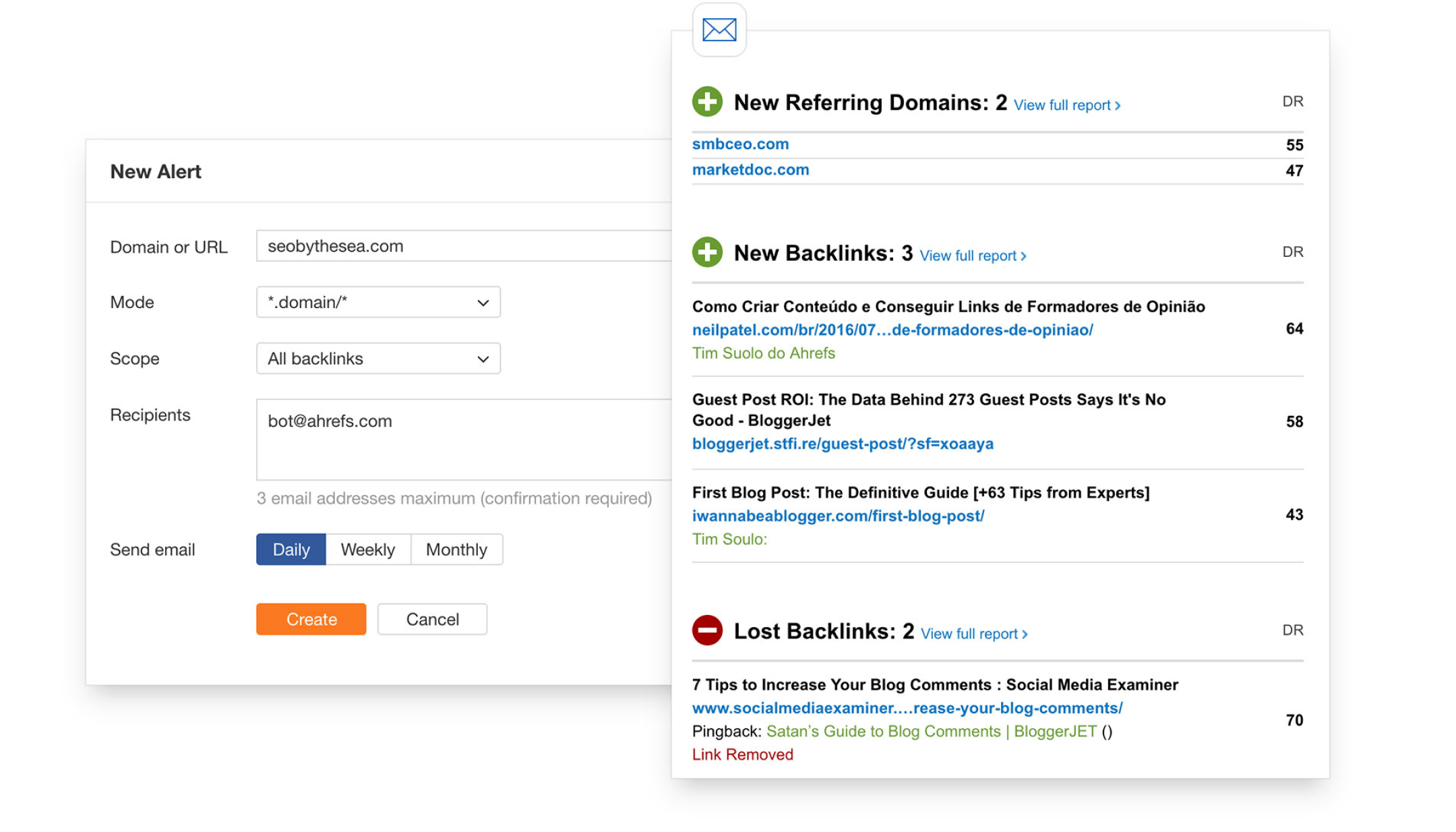
Well, what you might not know is that you can setup daily/weekly/monthly email reports and have all your New and Lost backlinks emailed directly to your inbox.
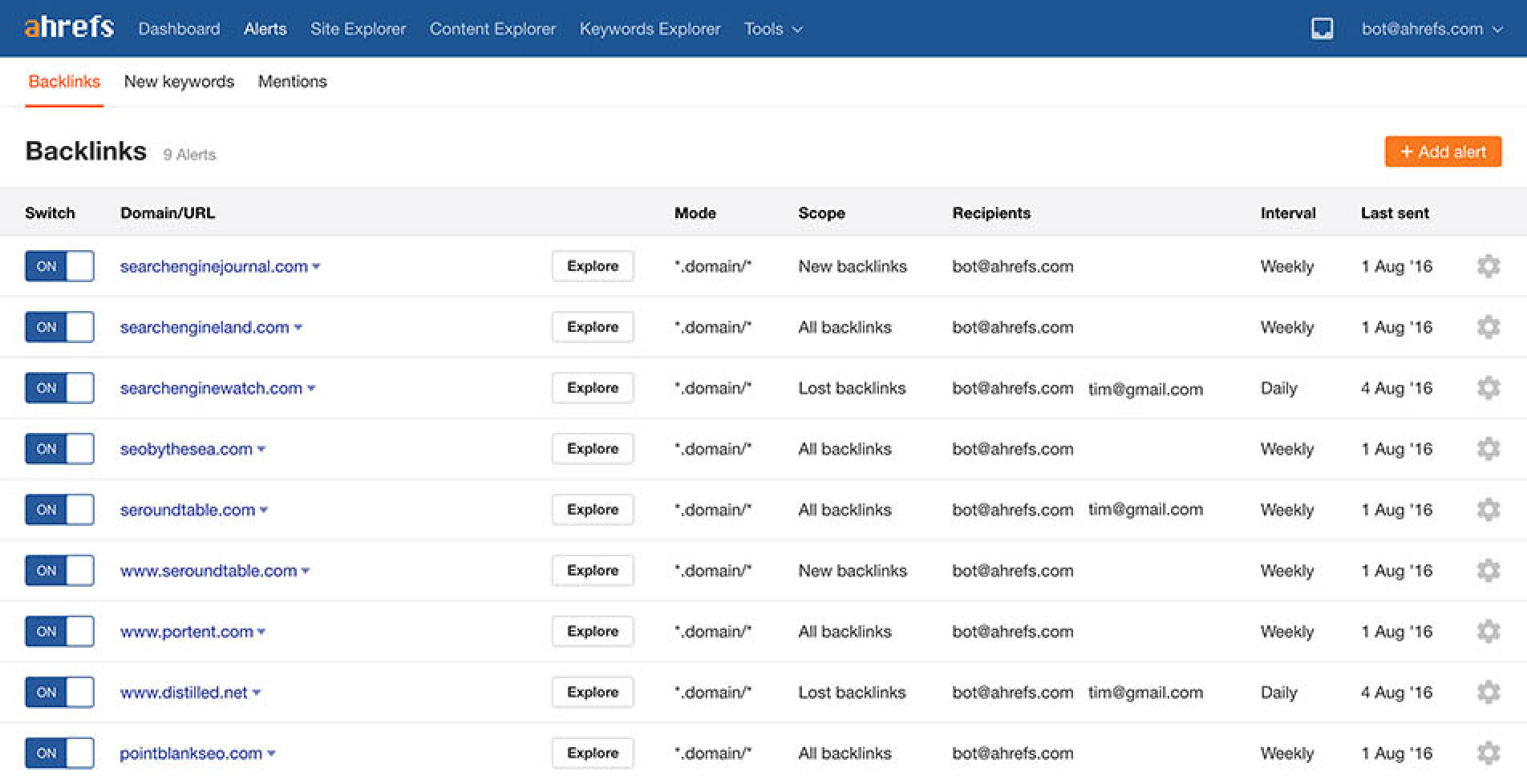
This can be done within the “Email Notifications” tab of your Ahrefs Dashboard:

Actually this alert was released a couple months ago and we immediately configured it for a bunch of different sites so that we could see if the reports that we’re sending out make any sense.
But frankly speaking, we weren’t satisfied with what we saw in these reports.
Which led us to creating “The Backlink Filter That You Were Waiting For”.
playing with the new "group similar links" feature in @ahrefs thanks to @timsoulo pic.twitter.com/yhh7rT9V7W
— Patrick Coombe (@patrickcoombe) October 26, 2015
Once that filter was ready, we immediately applied it to our New/Lost backlink reports.
The result? This report is now so good, that it would be a crime not to tell you about it.

So please go to your “Email Notifications” settings and make sure to turn ON New/Lost Backlink reporting for your own site as well as for a few sites of your competitors.
You’re going to love it!
More Updates:
A few more things from last week worth mentioning:
- We’ve fixed the format of the “Date” field in all data exports. Now you can easily filter your reports by “Date” in Excel.
- We’ve added a new filter to “Position Explorer > Recent Changes”. You can now filter keywords that are: New / Lost / Improved / Declined.
That’s it!
Please don’t forget to check back next Monday for some fresh Ahrefs features.