
We’ve got 17 updates this month – from a new YouTube index in Brand Radar to custom event properties in Web Analytics and lots more.
Let’s dive in.
YouTube tracking
Brand Radar now covers YouTube. There’s a new Video visibility section with a full index of where your brand appears across high-traffic videos.
We scan titles, descriptions, and transcripts – and only surface the snippets that matter. TikTok support is next.
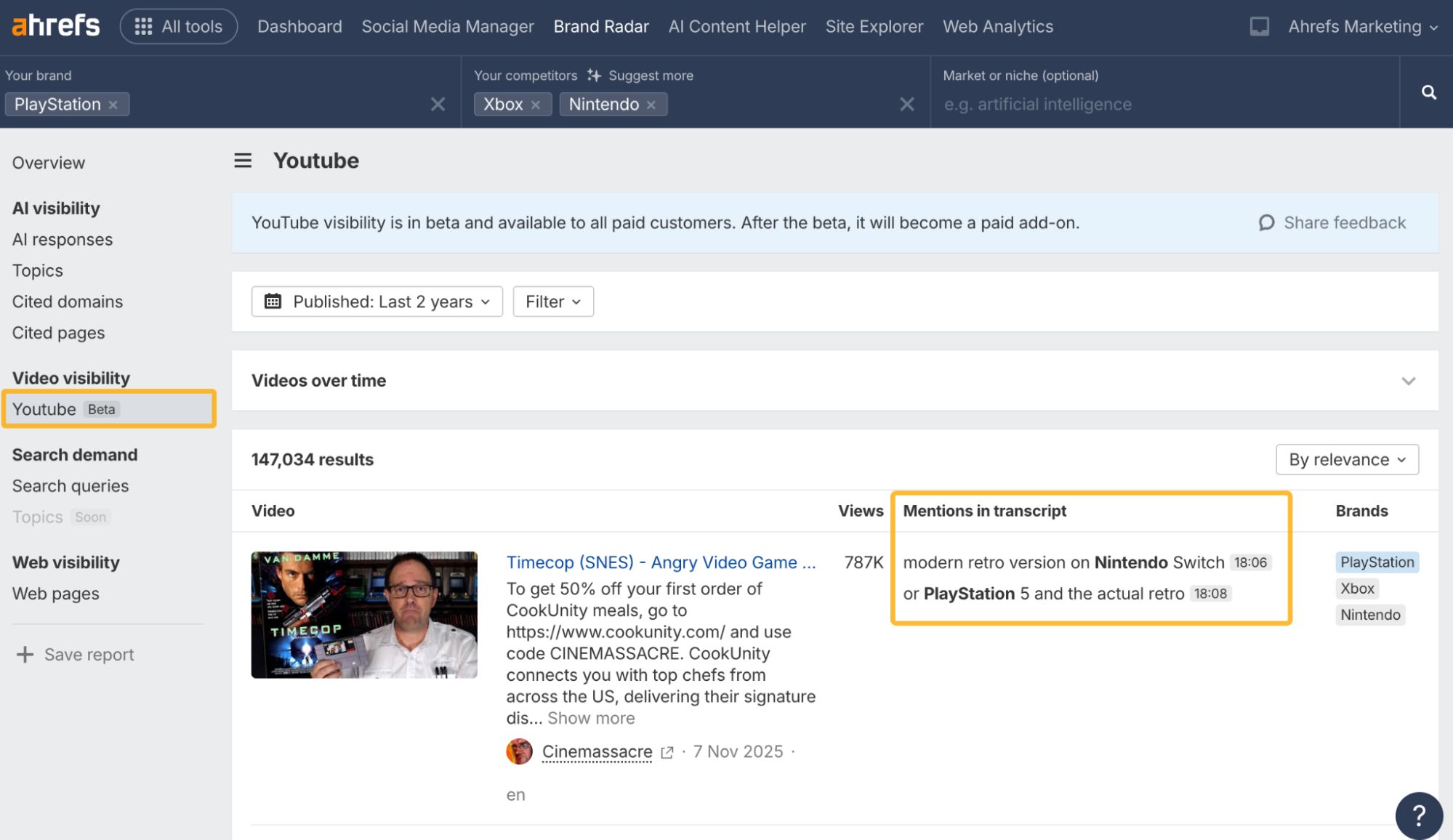
Available for free on all paid plans during beta.
Brand performance chart
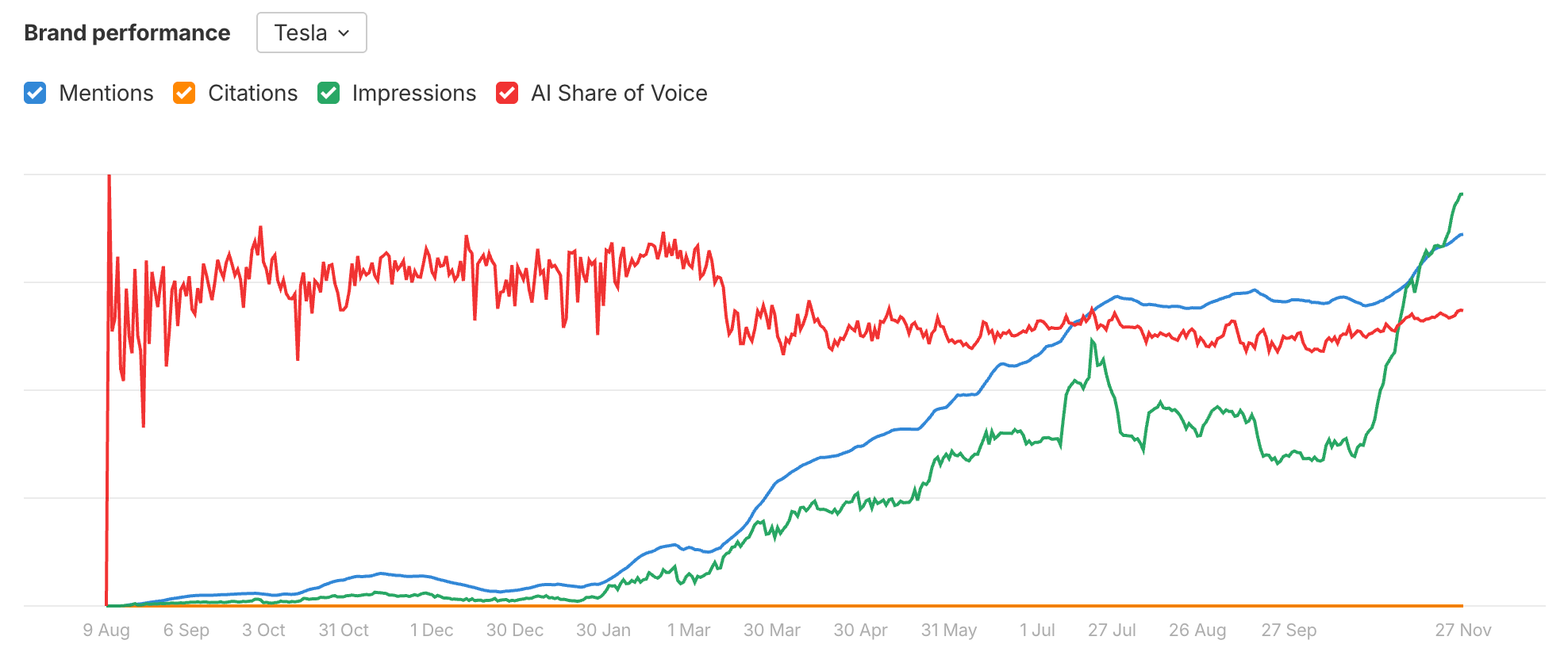
Overview now includes a combined chart for Mentions, Citations, Impressions, and AI Share of Voice. One glance shows whether visibility is climbing, flattening, or slipping.
Better historical analysis
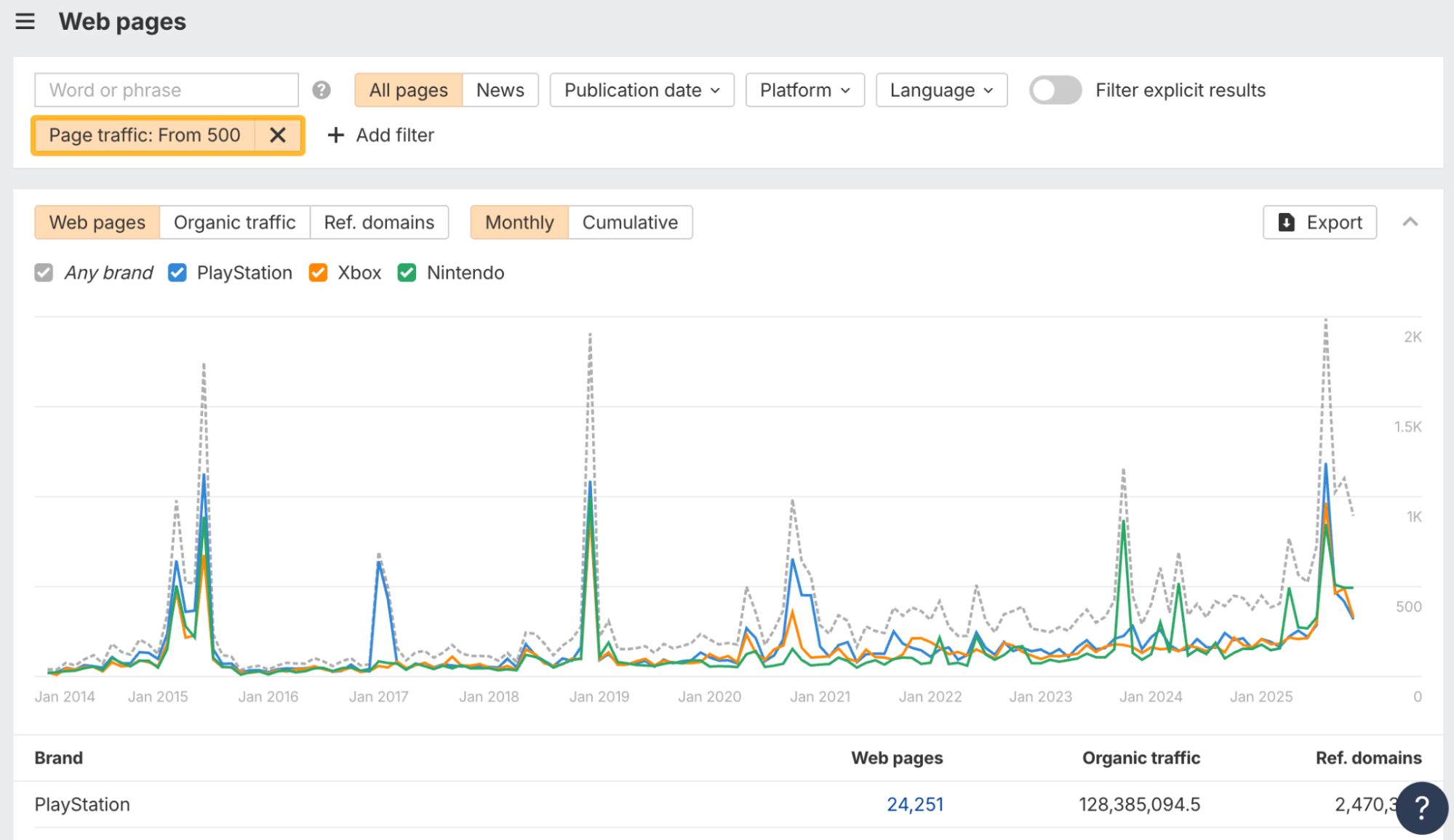
A new Web Pages historical chart makes it easier to investigate patterns. It respects all filters, so you can break trends down by URL, platform, or timeframe and actually see what changed.
Attach reports to any project
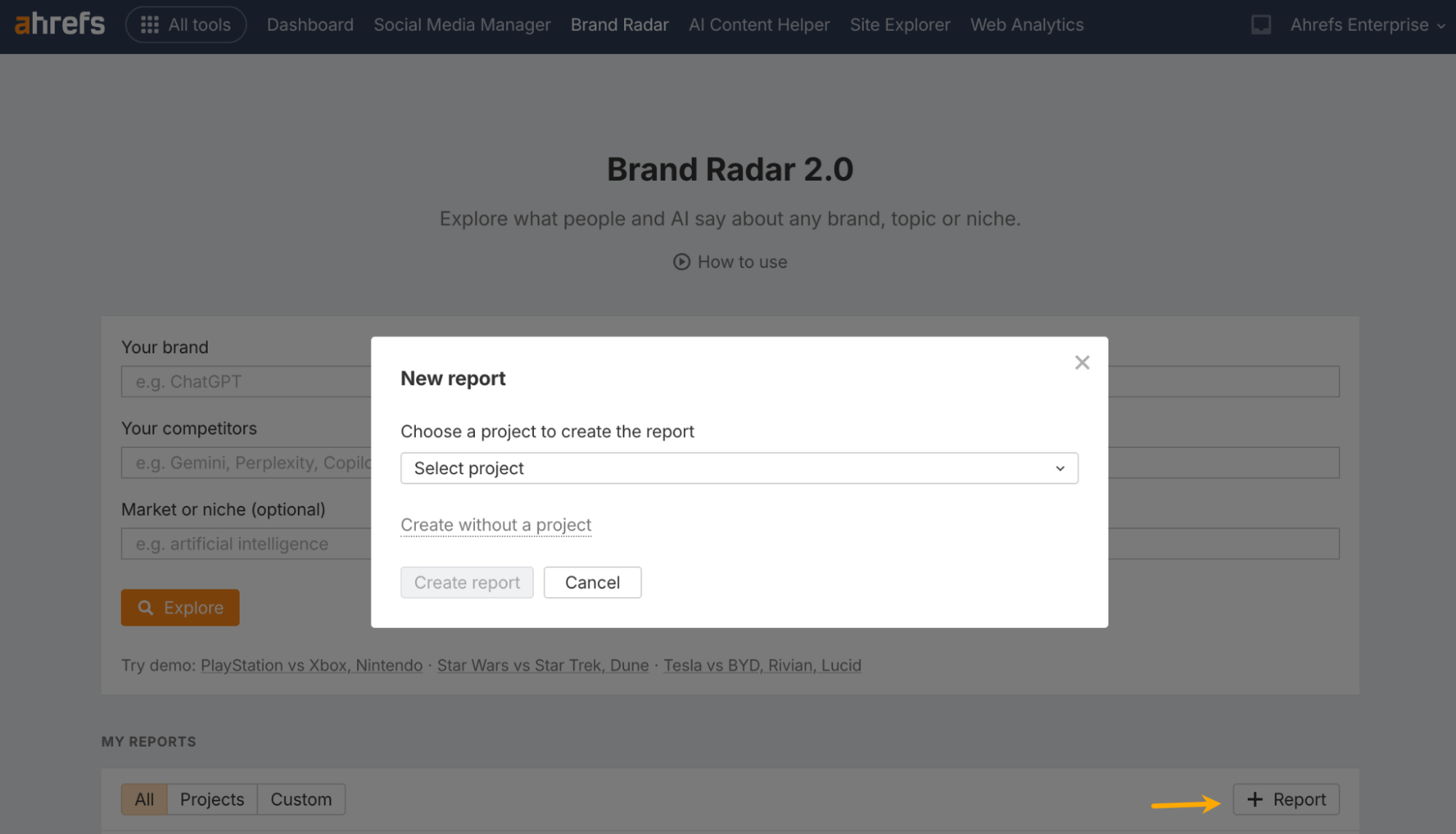
When creating a report, you can attach it to an existing project. We auto-populate the brand and competitors with AI, and access follows the project’s permissions.
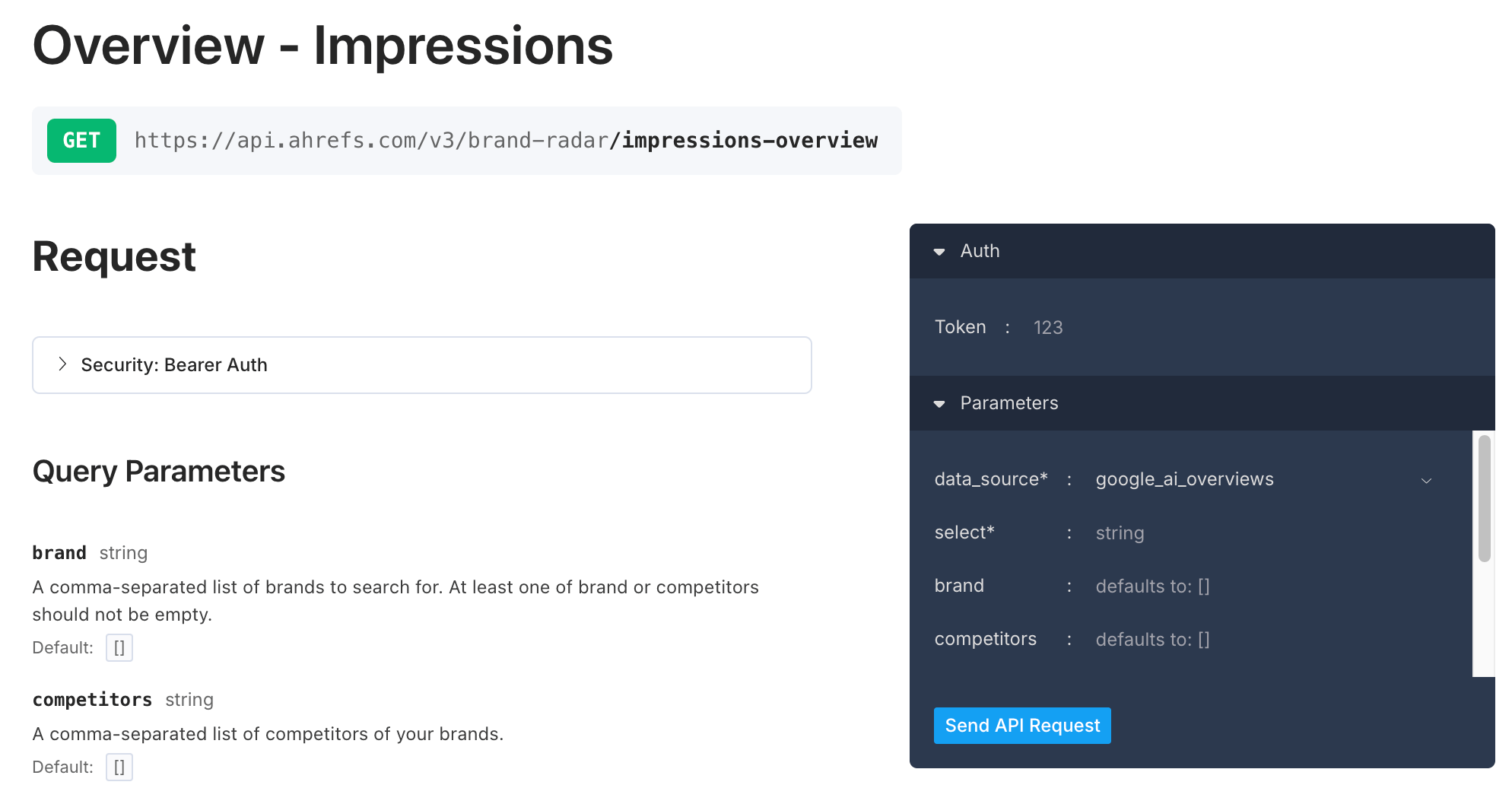
First Brand Radar API endpoint
You can now pull Impressions programmatically using the same filters you use in the UI. Feed AI visibility into dashboards or models without manual exports.
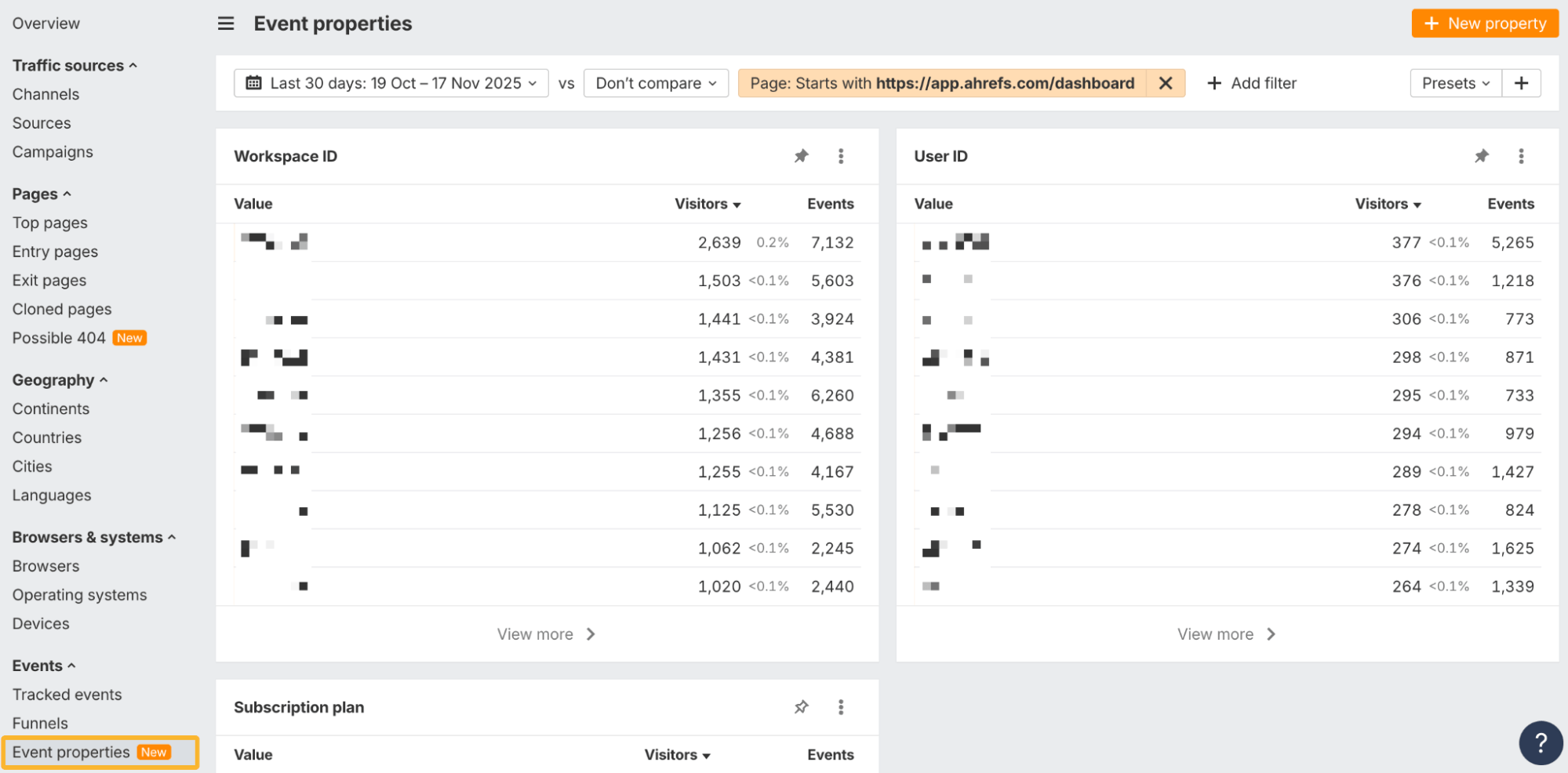
Custom event properties
Add extra details like plan, variant, category, or size to any tracked event. Break broad events into clean, meaningful slices.
Attach properties via tracking script, CSS classes, or the JS API, then use them in Event properties or as filters across reports.
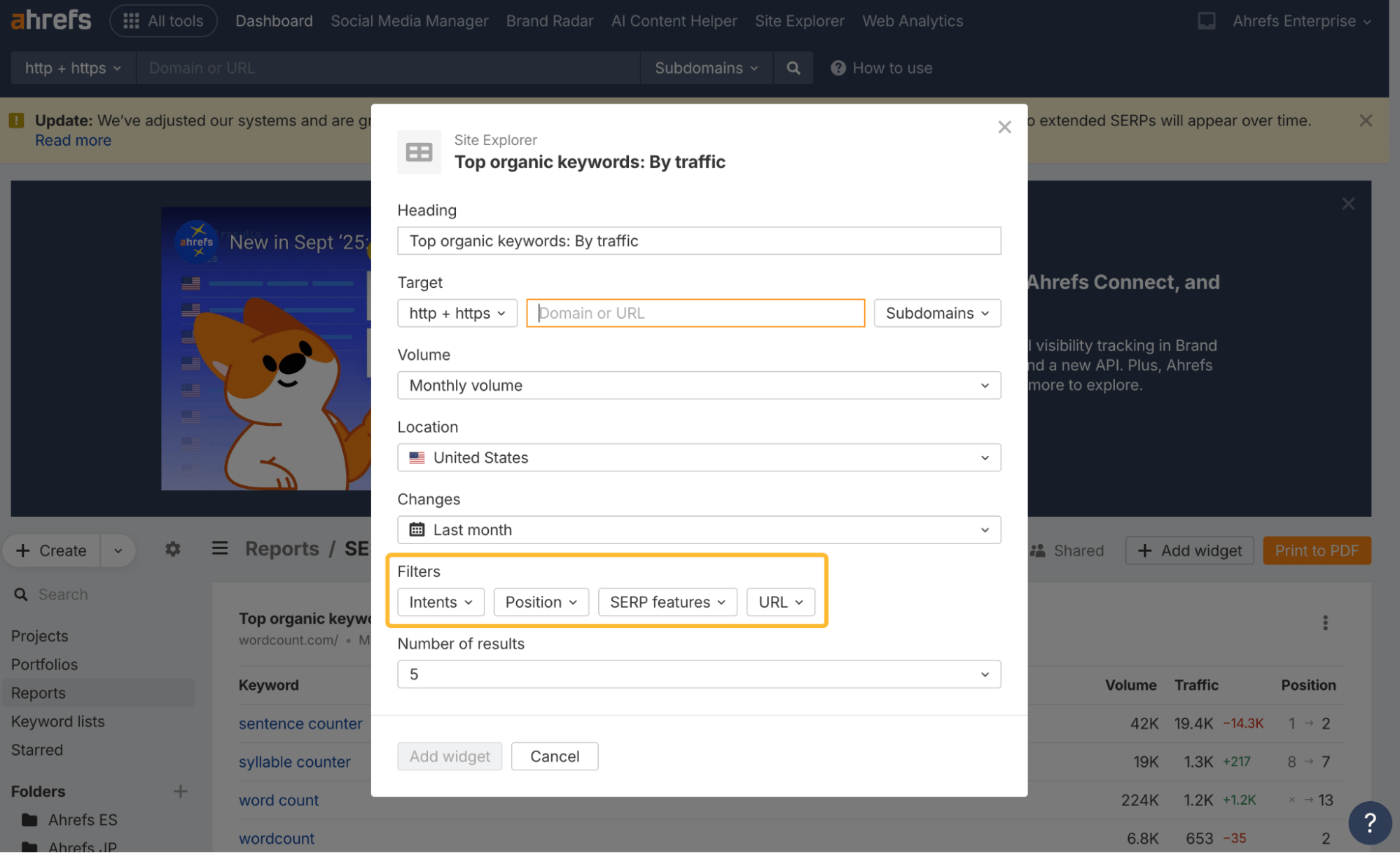
New keyword filters
Keyword widgets from Site Explorer now support Intents, Position, SERP features, and URL filters for tighter control.
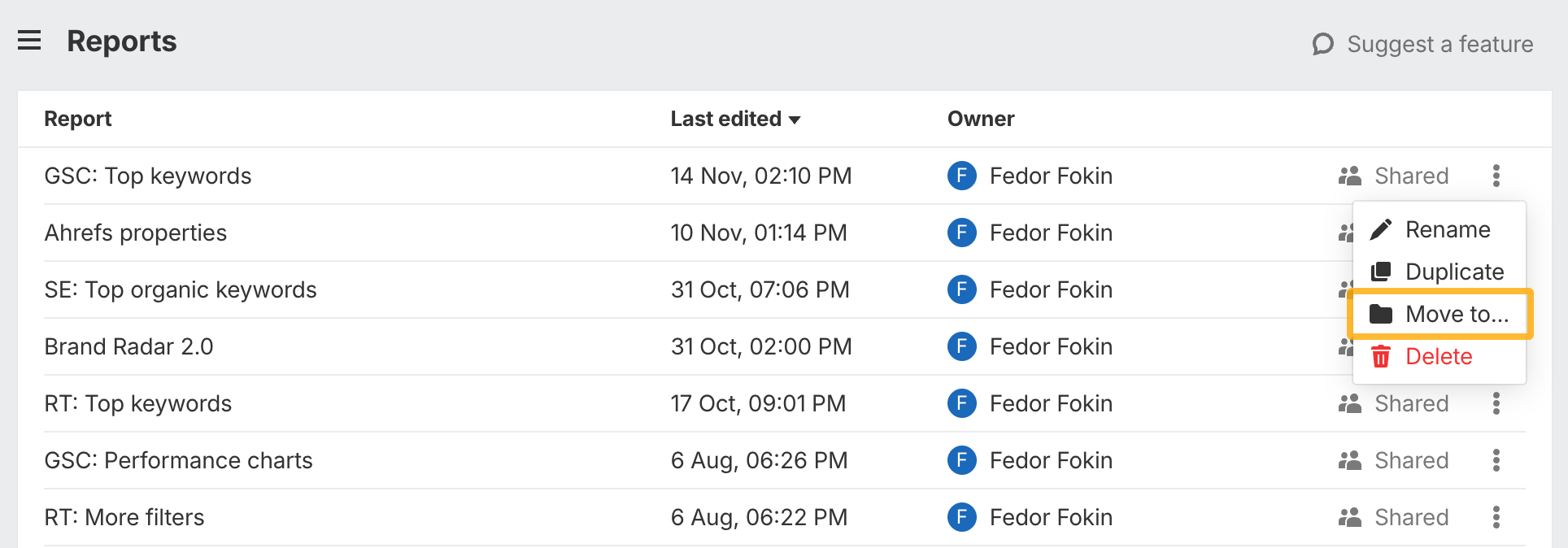
Folders + widget duplication
Add reports to folders and duplicate individual widgets to speed up layouts. Full report duplication is coming.
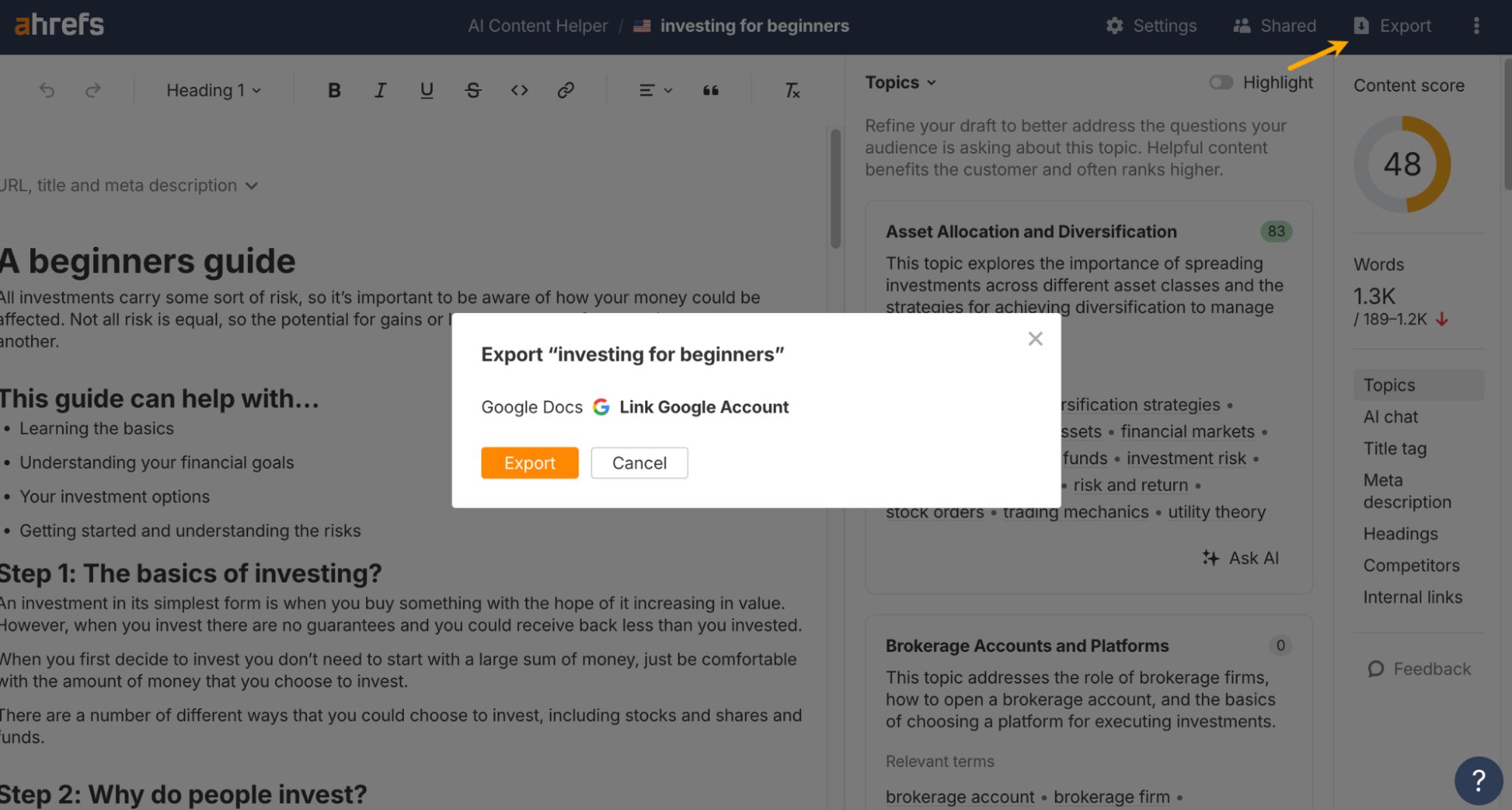
Export to Google Docs
Export documents directly to Google Docs with formatting intact. Single-doc export for now.
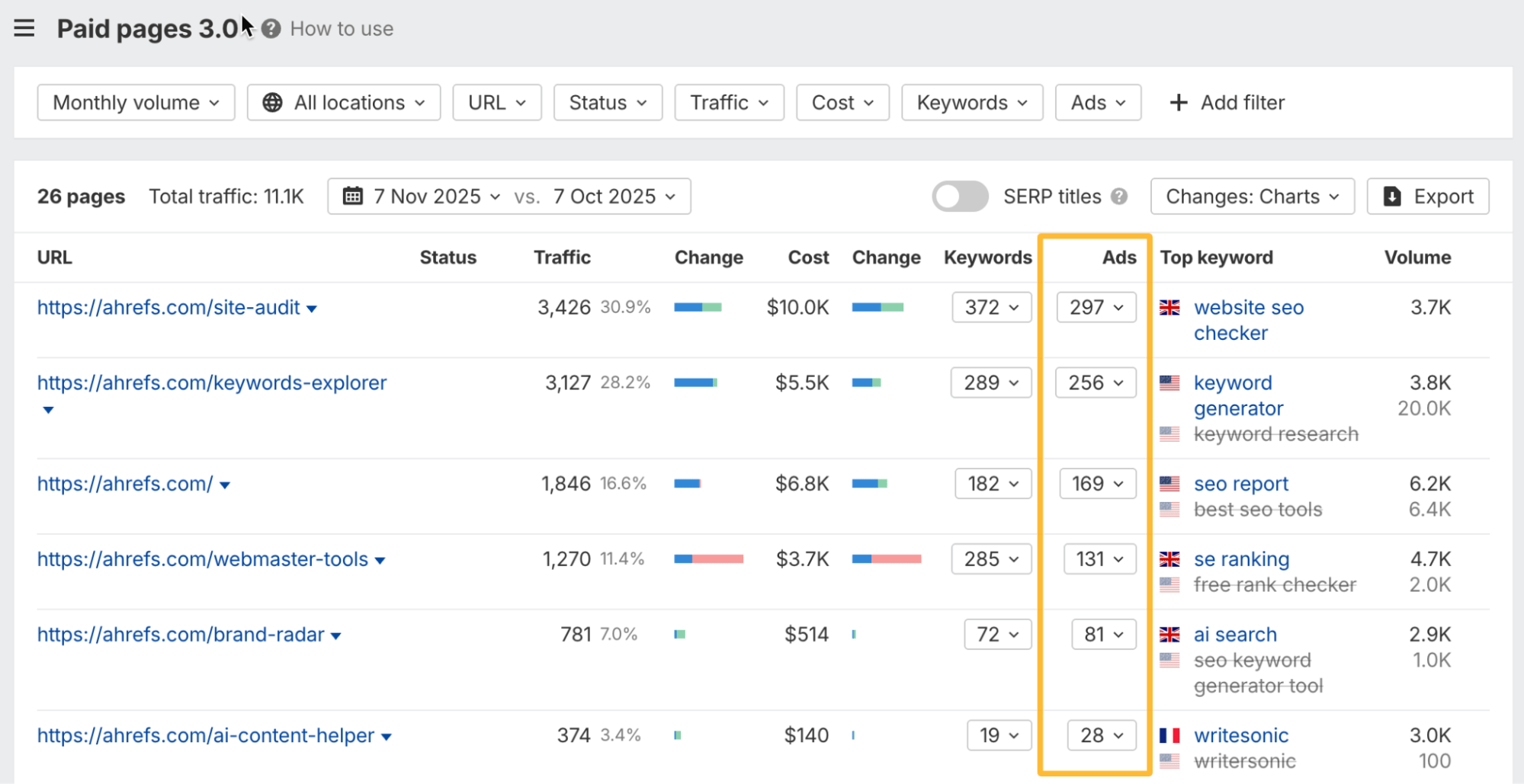
Paid pages + ads
Paid pages 3.0 now shows how many ads each page appears in. You can view the ads directly and filter by them – useful for tracking where competitors are spending and which pages they’re pushing.
Built-in bulk AI detection
AI content levels are now computed during crawls. The overview includes a pie chart showing site-wide AI distribution.
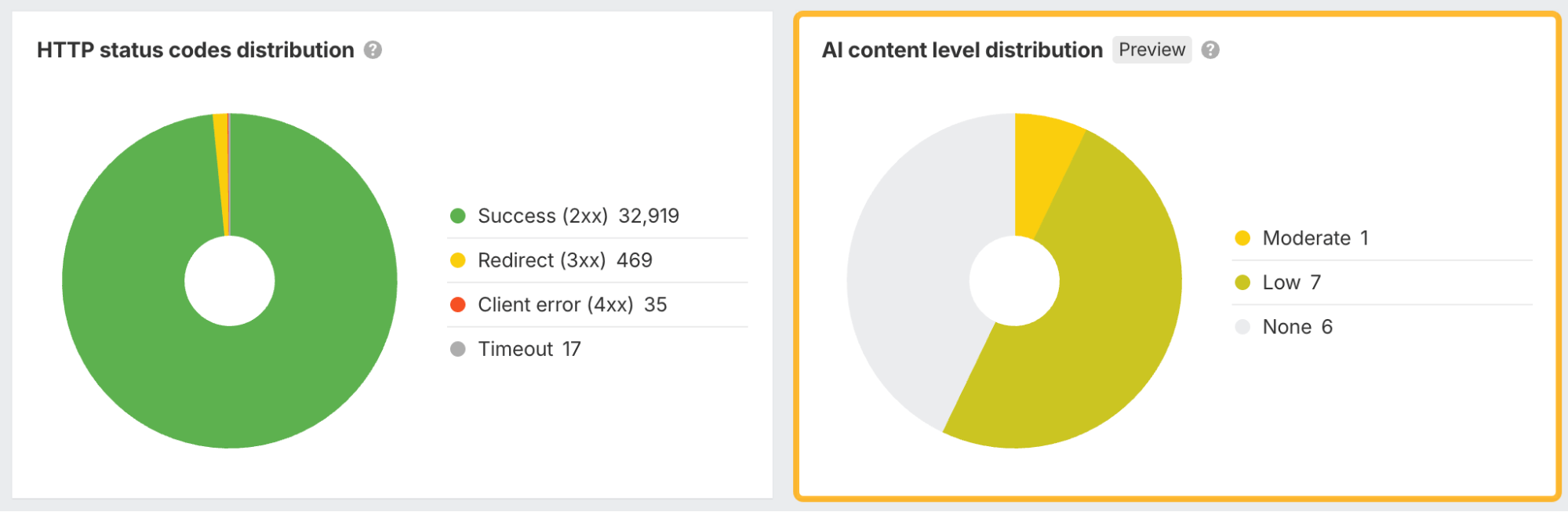
Click into the chart or use Page Explorer to list pages by AI level, track changes over time, and monitor competitor AI usage.
Opening any URL shows the highlighted AI-detected text that triggered the score.
Full functionality comes with a Max project boost; paid plans get a small free demo each crawl.
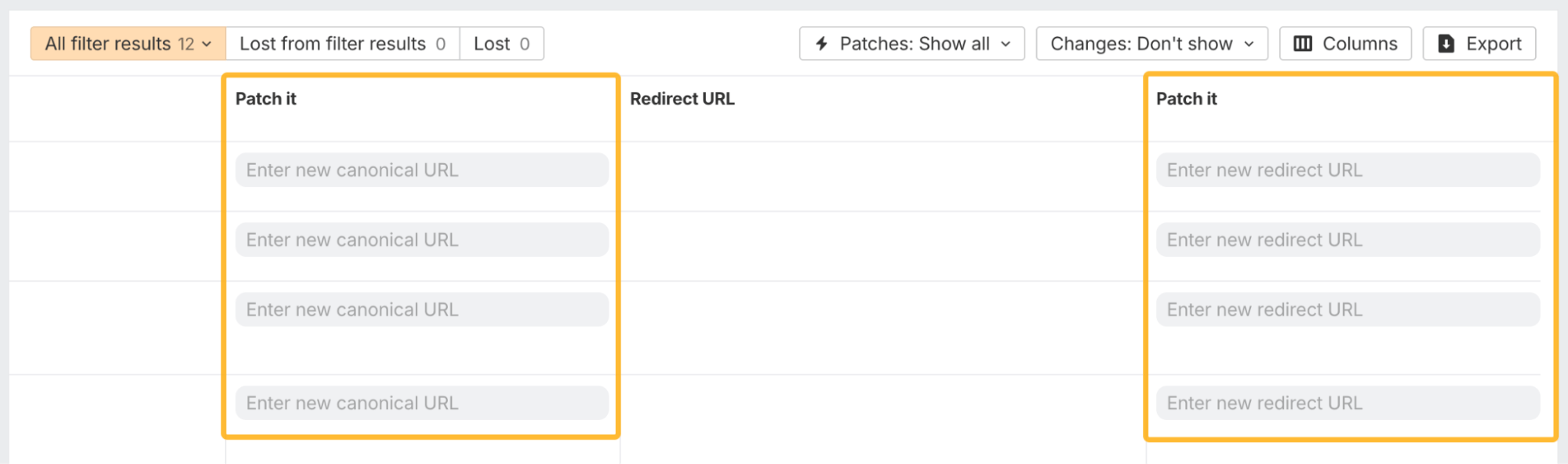
Patches updates
You can now patch more complex issues:
- Change canonical URLs
- Add redirects
- Publish internal link opportunities directly to your site
Canonical URLs, redirects, and robot tags require Cloudflare deployment. Link opportunities can be published via JS snippet or Cloudflare.
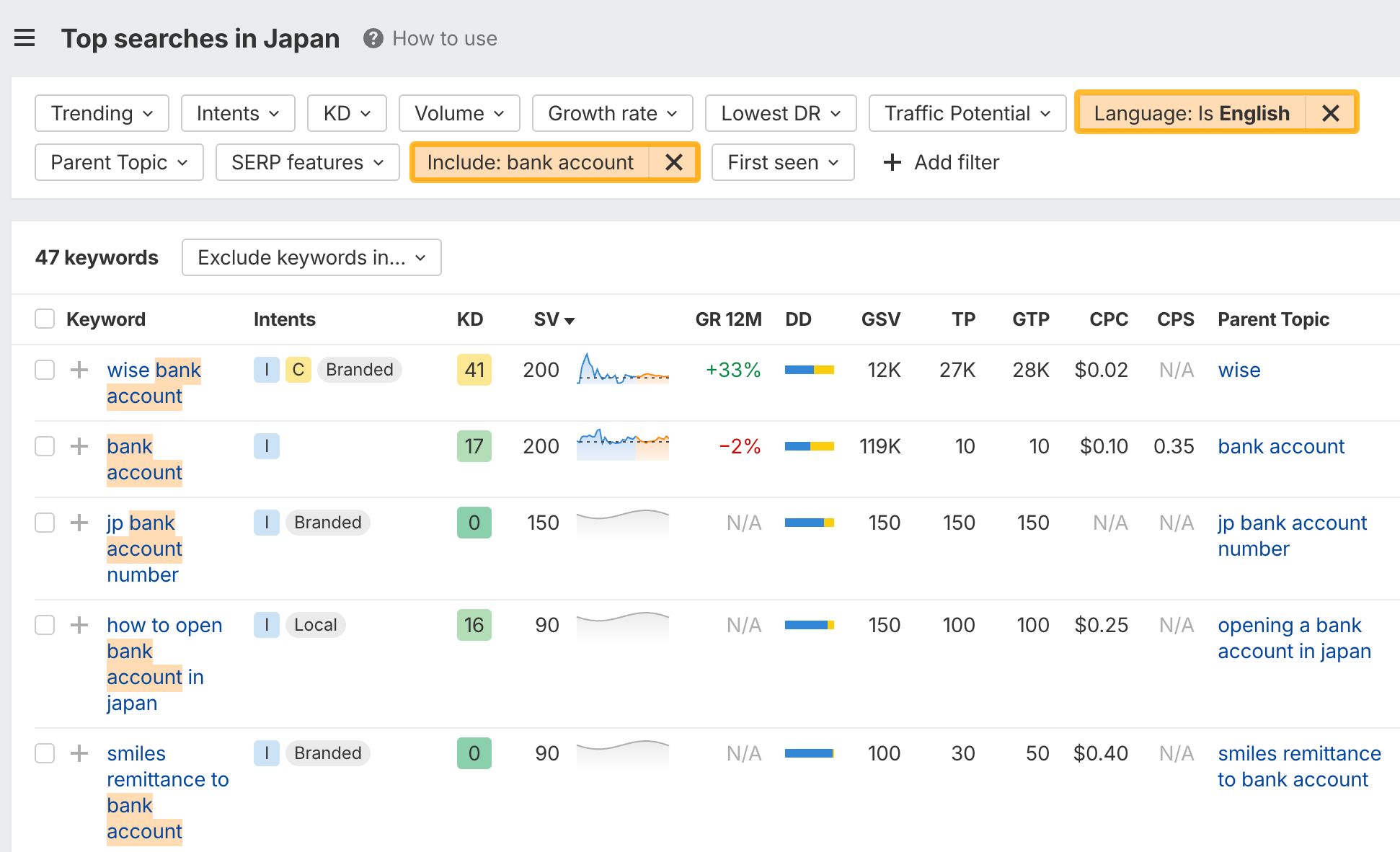
Language filters
Filter keyword ideas by language within any location. Useful for multi-language markets, like expat queries in Japan.
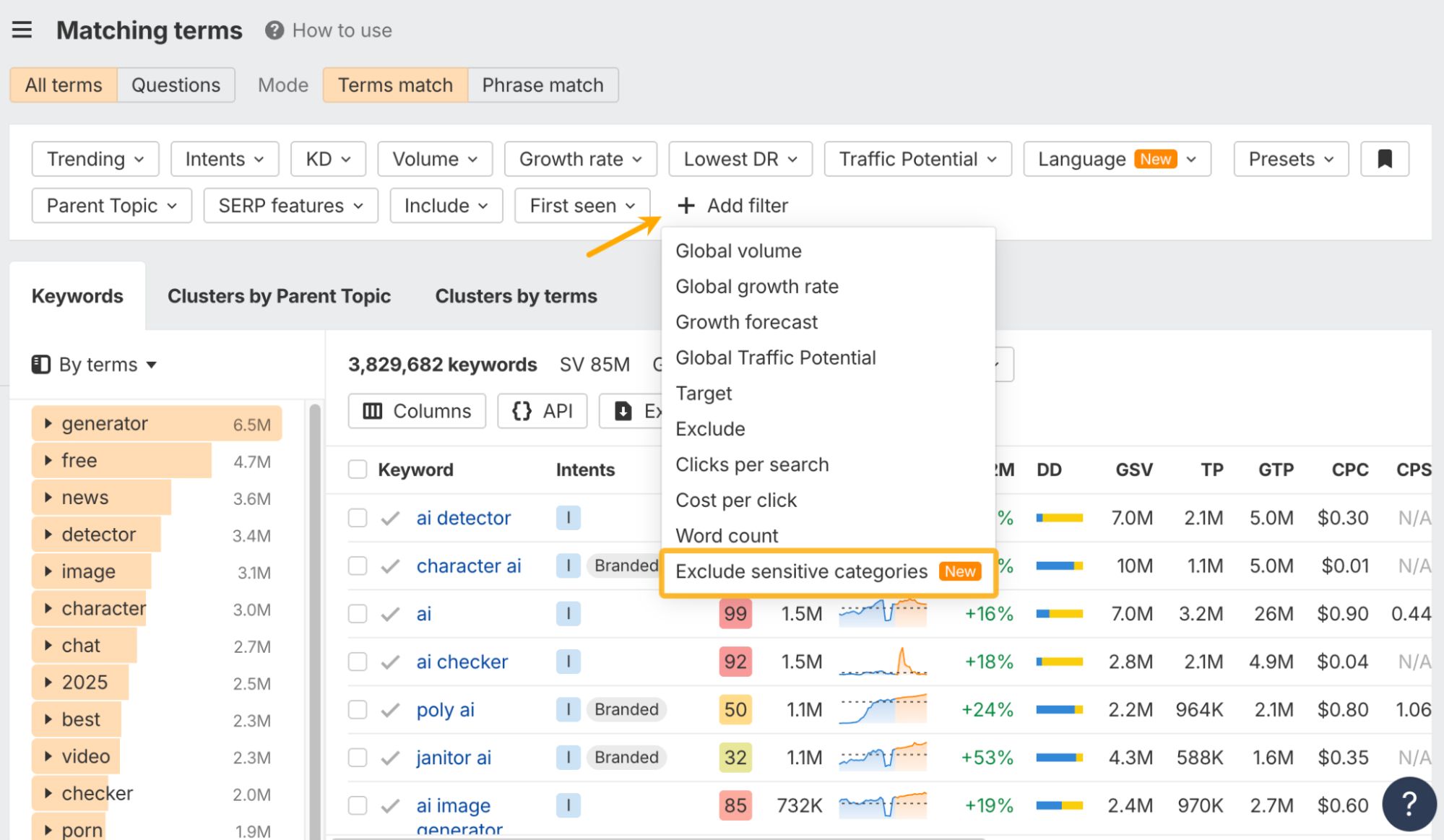
Exclude sensitive categories
Filter out keywords tagged ADULT, VIOLENCE, DRUGS, VULGAR, and more.
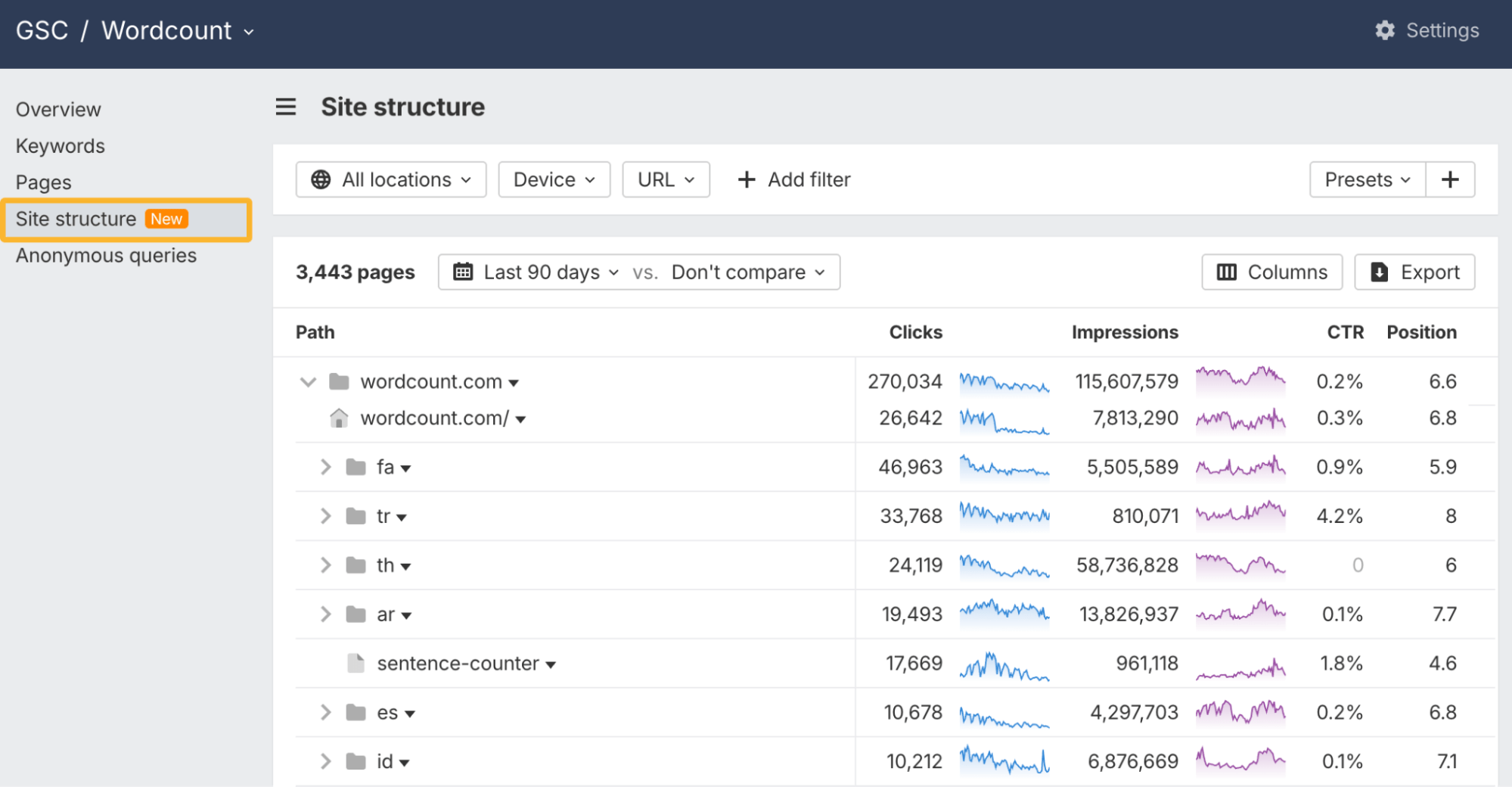
Site structure
A new Site structure report mirrors the Site Explorer version. See your site in a tree-like layout and understand how each section contributes to organic performance.
Standard plans and above get full structure; Starter and Lite see the top level.
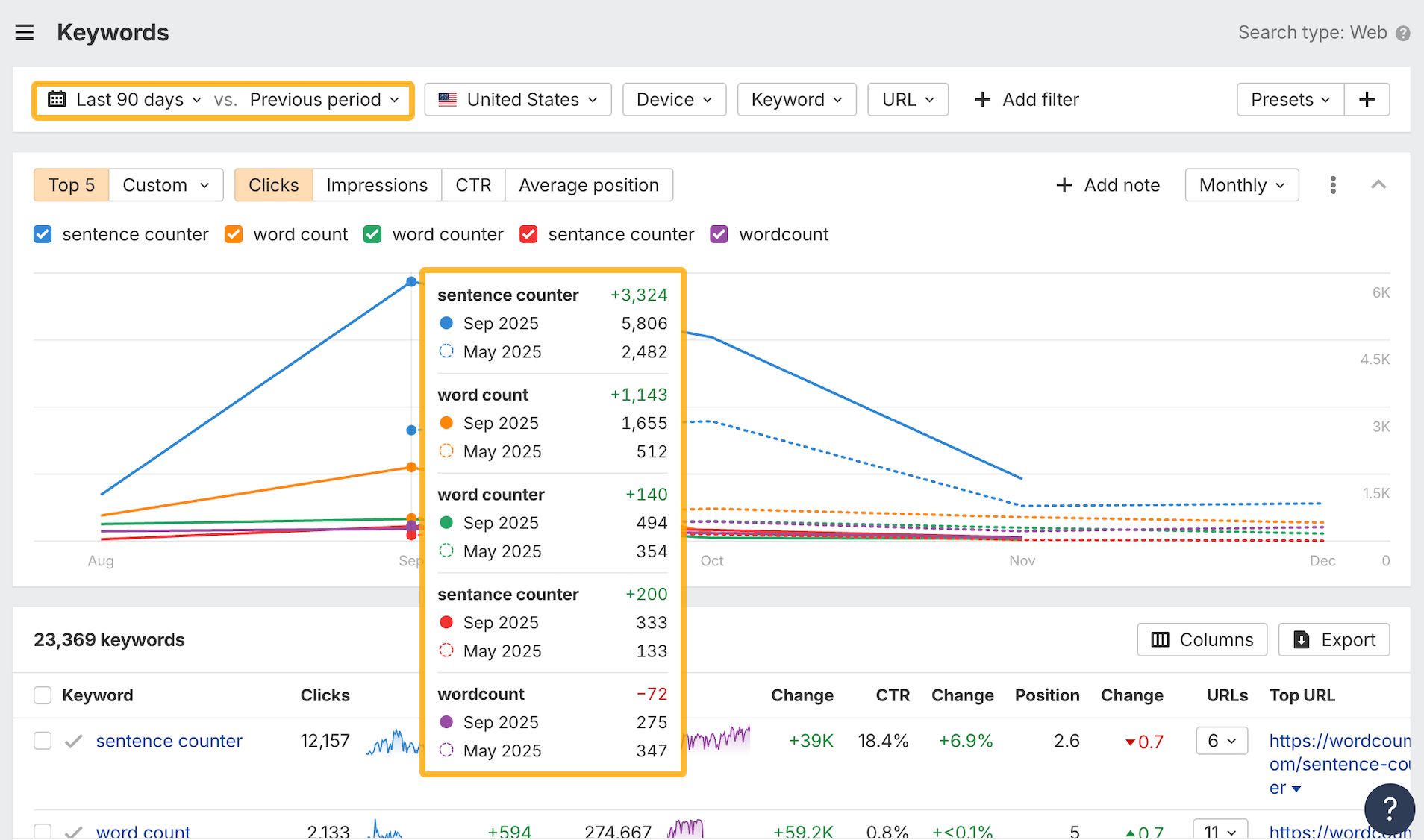
Keyword history graph
Add any keyword to the history graph. In comparison mode, current and previous periods display side by side for quicker change detection.
Several updates to make planning and publishing smoother:
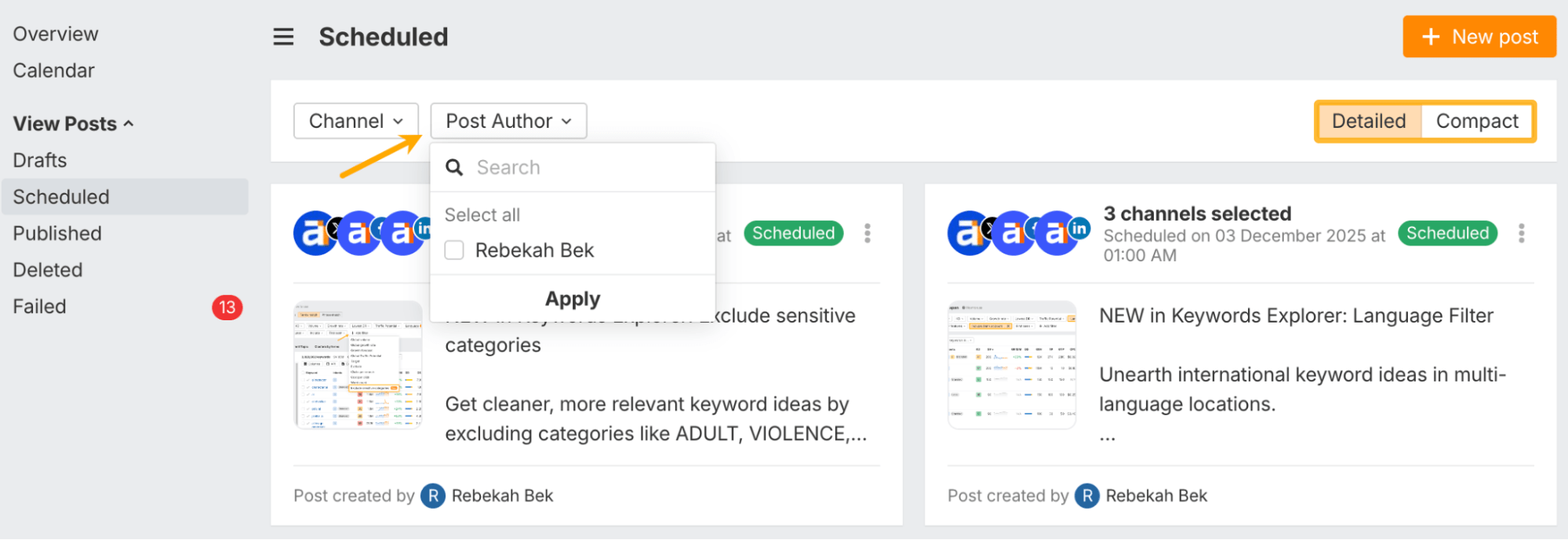
Schedule view
A cleaner view of all upcoming posts across every connected account. Switch between compact and detailed listings.
Filter by author
Useful for multi-member teams who need to see who’s posting what.
Paste-to-upload
Paste images directly into the editor and they’ll upload instantly.
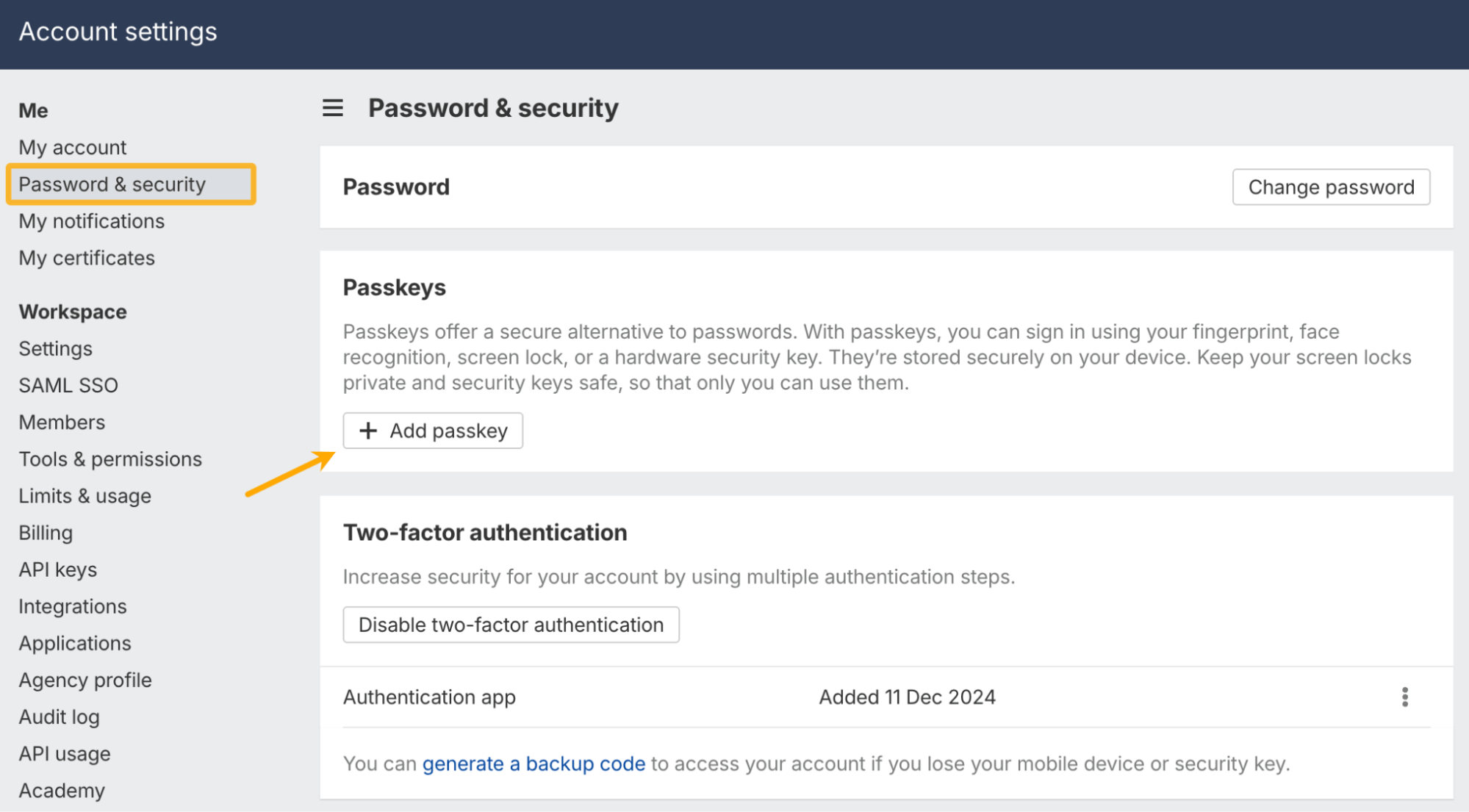
Passkeys
Add a passkey in Account Settings to log in without typing anything. Your browser, password manager, or hardware key handles authentication. Passkeys sync across devices automatically.
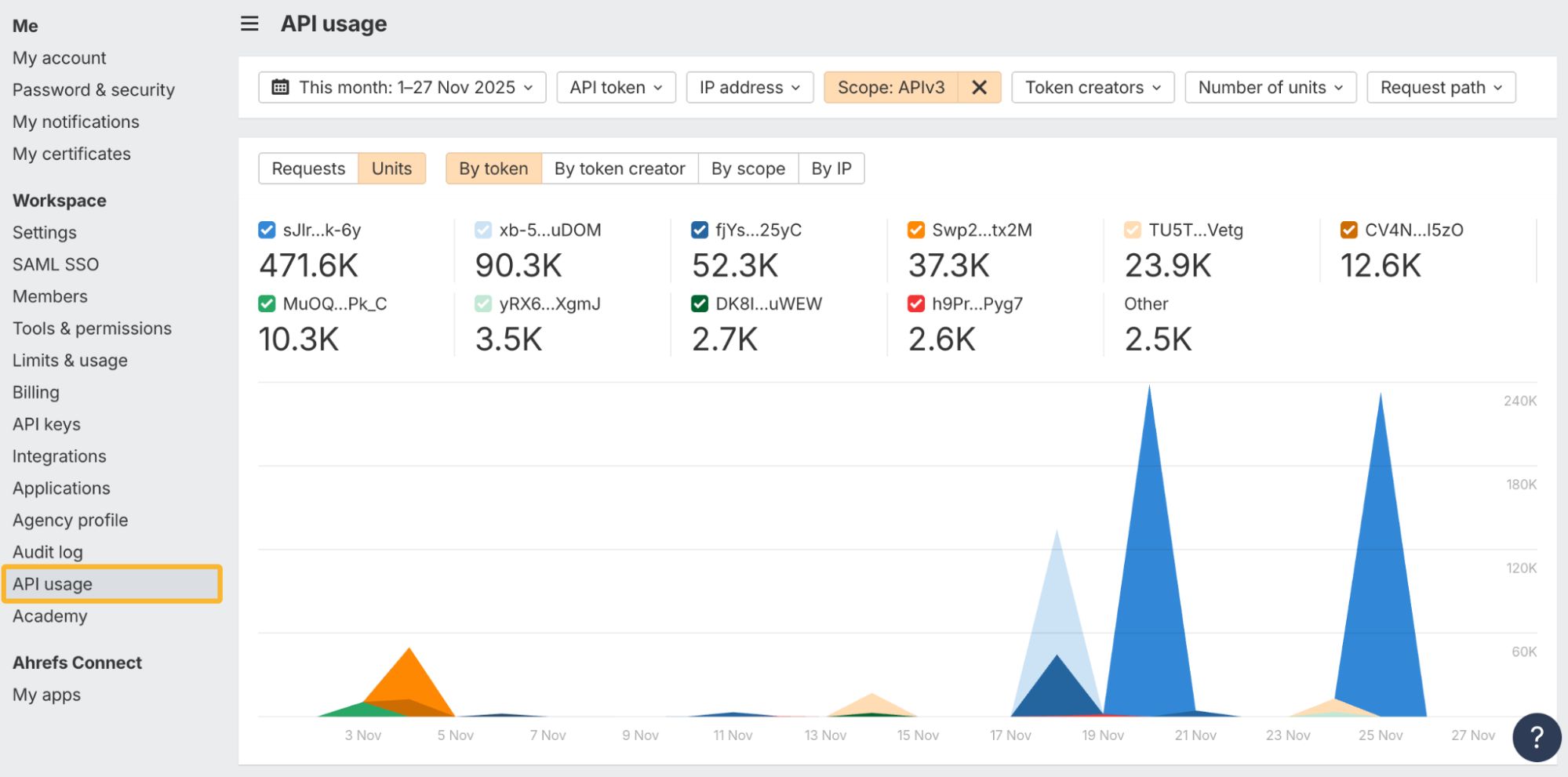
API usage report
A new report in Account Settings shows every API request in your workspace.
See whether requests came from APIv3, MCP, or Ahrefs Connect; filter by scope, token, or user; and check charts for request volume and unit consumption. History starts around Oct 14.
–
That’s all for this month. Check out our changelog for more updates, or leave any feature requests on our Canny board. Enjoy!