
We’ve got 17 updates this month – from unlocking global keyword research to deeper link analysis and more actionable site monitoring.
Let’s dive in.
Cited pages and cited domains API endpoints
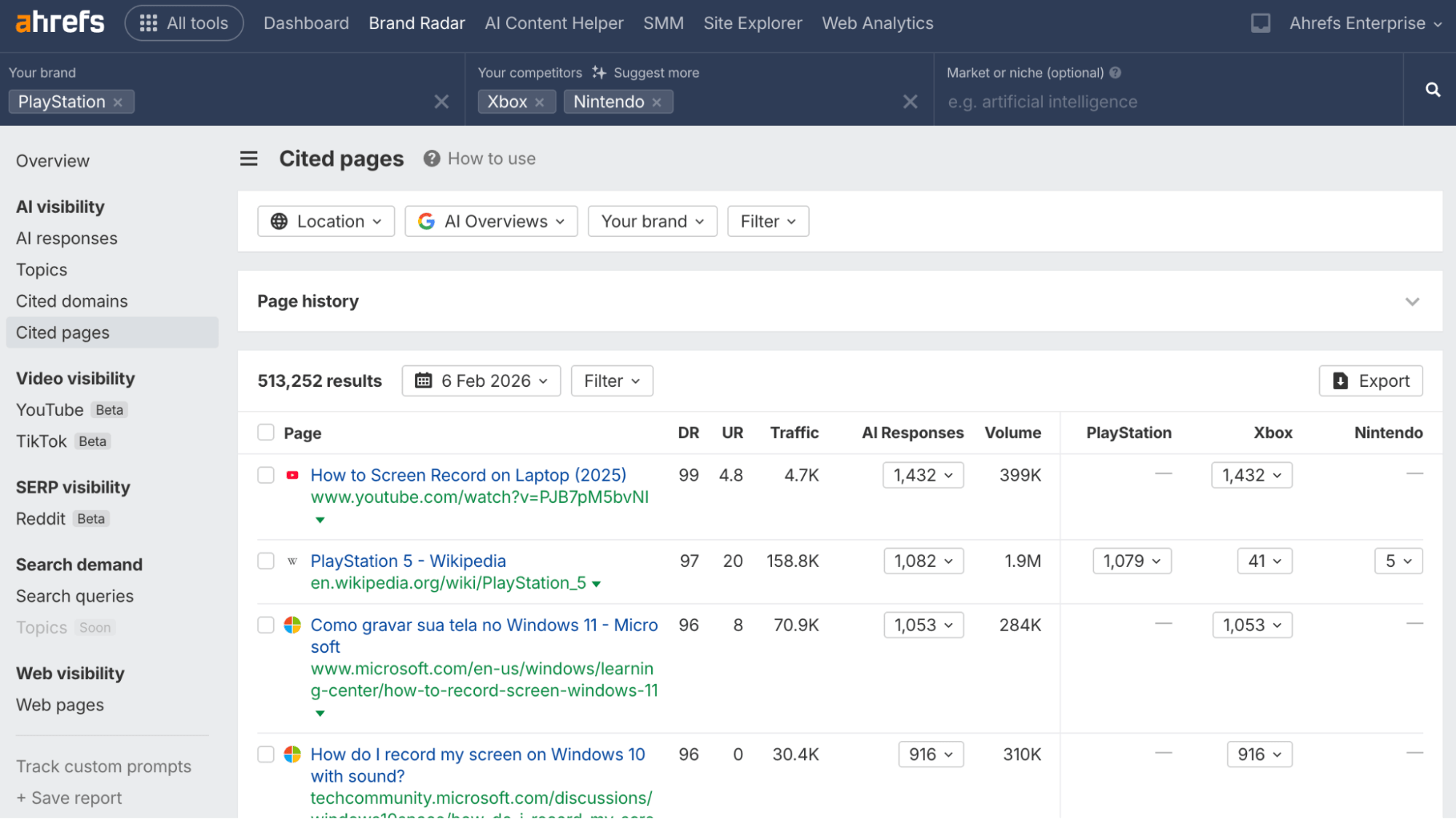
You can now programmatically pull the pages and domains cited in AI responses, including how often each source appears and the estimated monthly search demand behind those mentions. This makes it easier to automate AI visibility reporting, track competitors, or plug Brand Radar data directly into your own workflows.
AI Share of Voice distribution and history endpoints
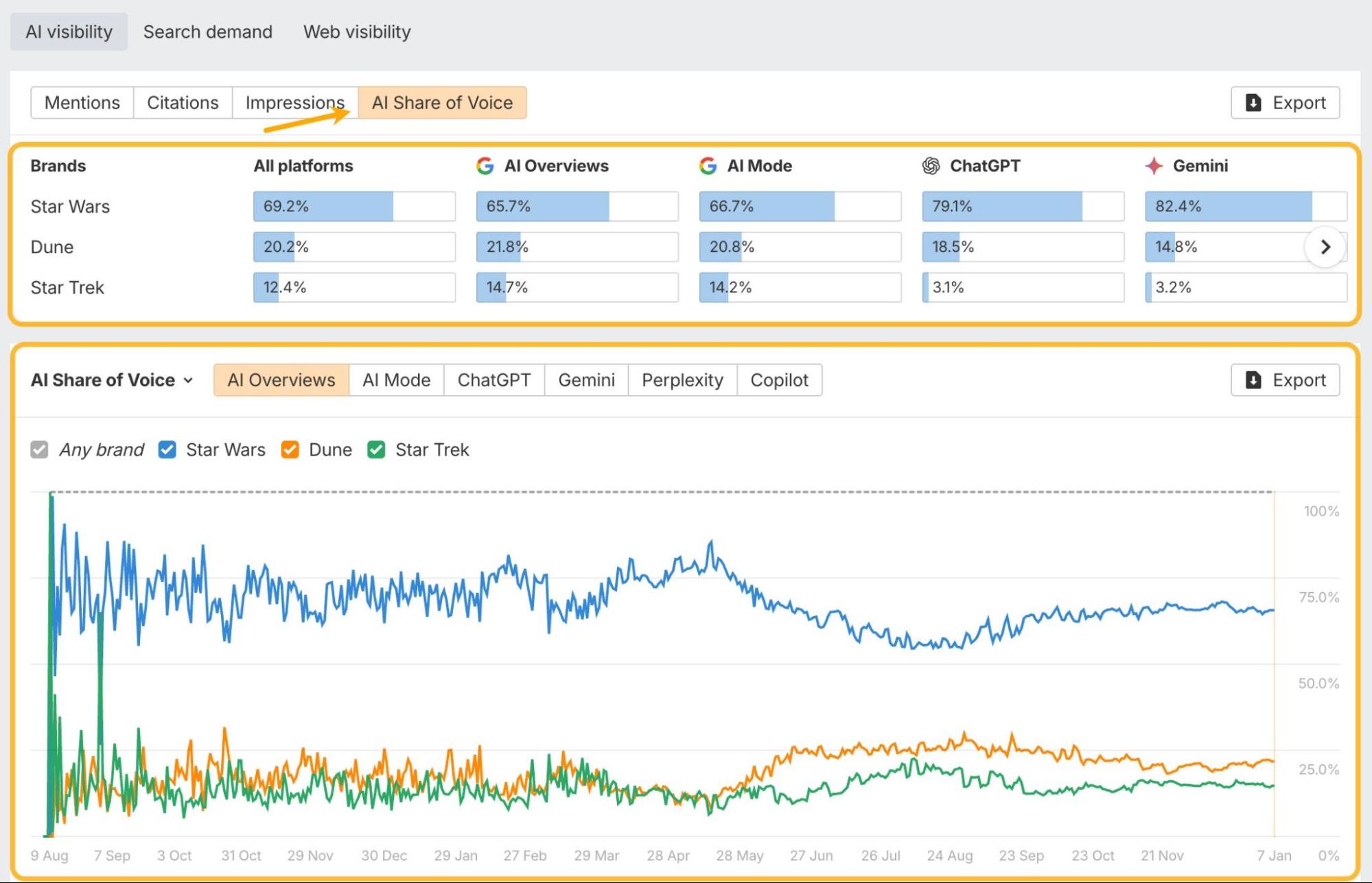
The remaining Overview-based Brand Radar endpoints are now live, covering AI Share of Voice distribution and historical trends. This lets you monitor how brand visibility shifts over time without relying on manual exports from the UI.
Custom prompt packages as a standalone product
Custom prompts in Brand Radar are now available without a full Brand Radar subscription. Teams can subscribe to a prompt package directly, reducing cost and friction for focused AI monitoring or research workflows.
Updated Search Demand tab
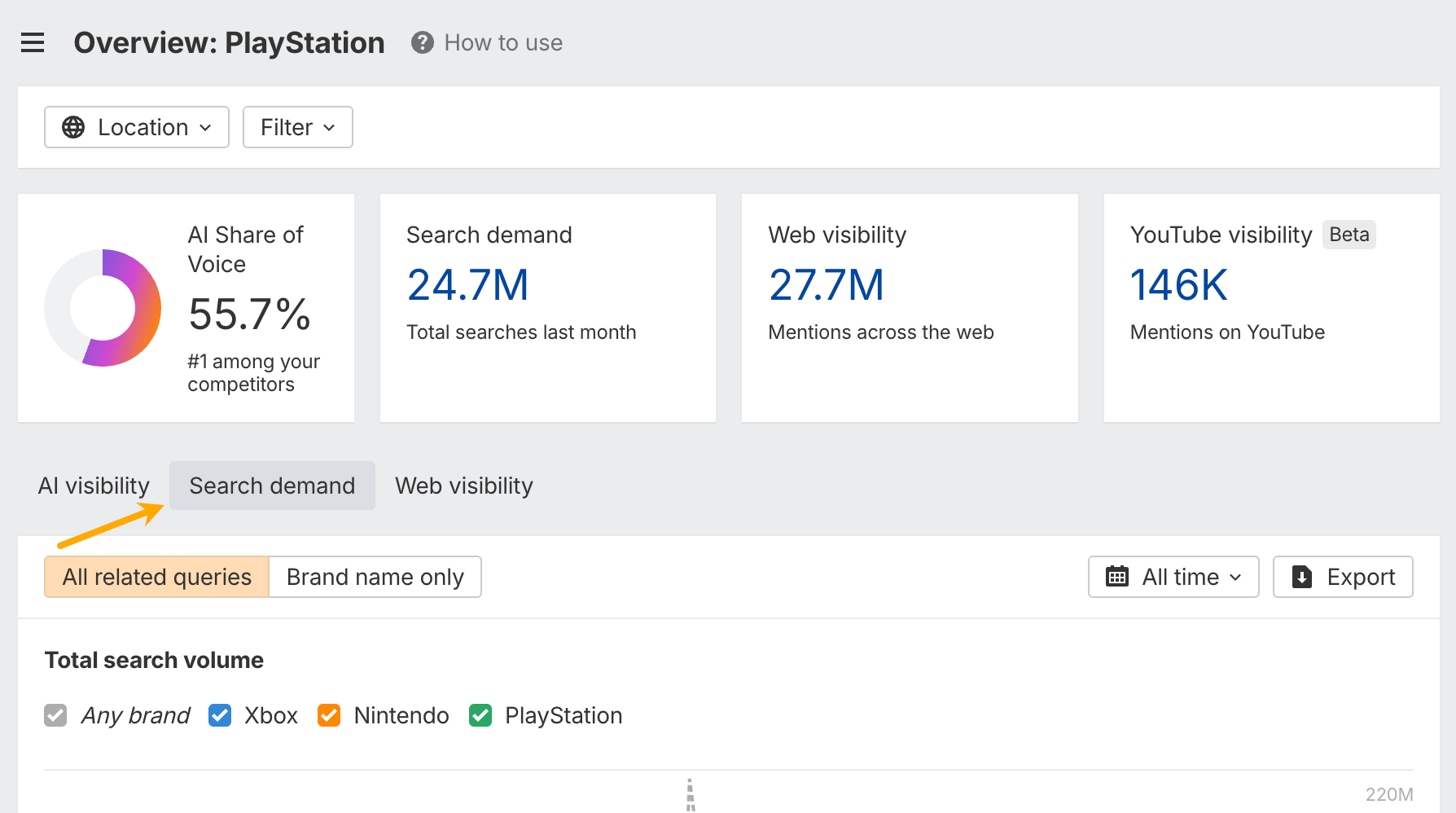
The Search Demand tab now combines total search volume and search queries in a single view, adds a new chart for search volume by location, and introduces a “Brand name only” mode to isolate true brand demand from category noise.
Metric filters + Page domain filter
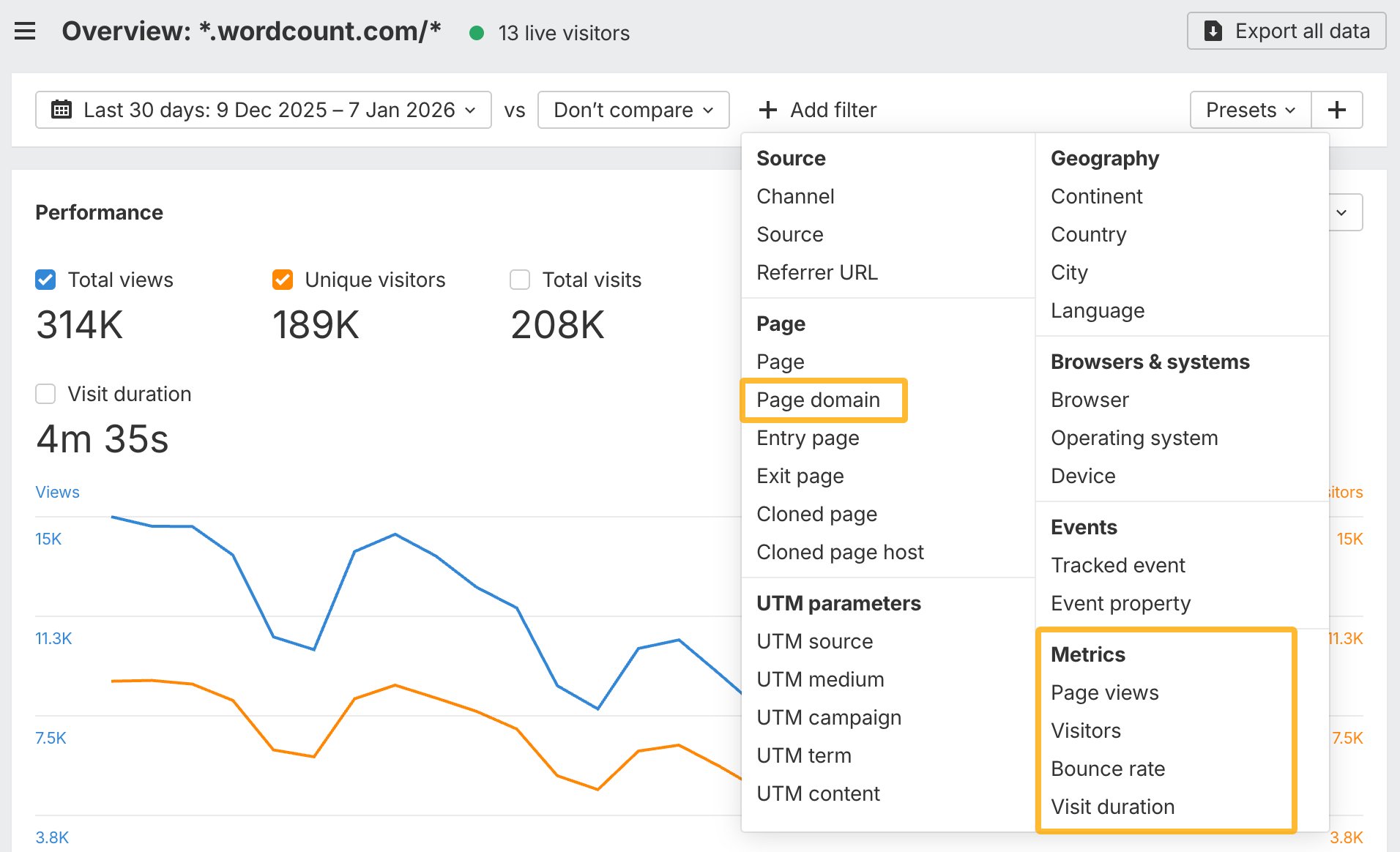
You can now filter Web Analytics reports by metrics like Page Views, Visitors, Bounce Rate, and Visit Duration. Metric filters apply across reports, even when the metric isn’t visible in the table, making it easier to isolate high-value or underperforming traffic segments.
Also, a new Page domain filter lets you filter by domain only, without protocols or full URLs. This avoids empty results and speeds up analysis on large or complex sites.
New text matching modes
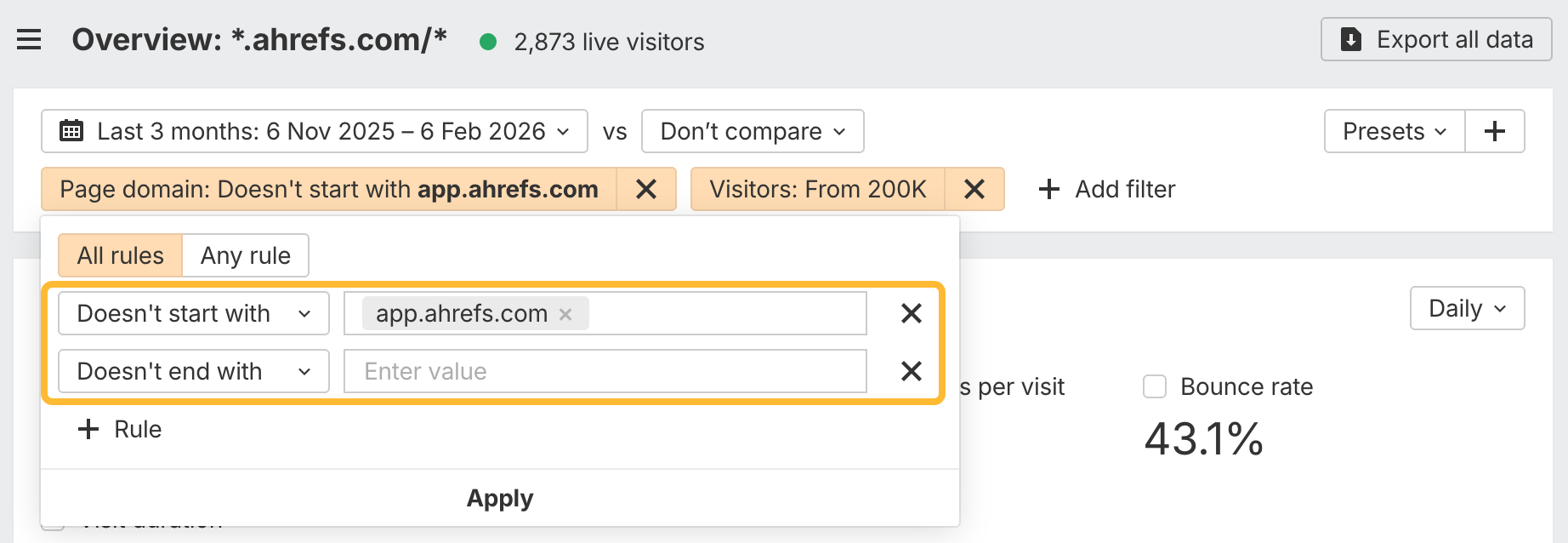
Filters now support “Doesn’t start with” and “Doesn’t end with” conditions, giving you more precise control when cleaning up or segmenting text-based data.
Page types and categories in backlink reports
Backlink reports now include page type and page category columns and filters. Page types describe the format of the referring page, such as articles, listicles, or tools, while categories reflect the business niche or topic. This makes it easier to judge link quality based on context, not just volume.
For example, you can separate editorial links from industry articles from links coming from unrelated or low-quality niches.
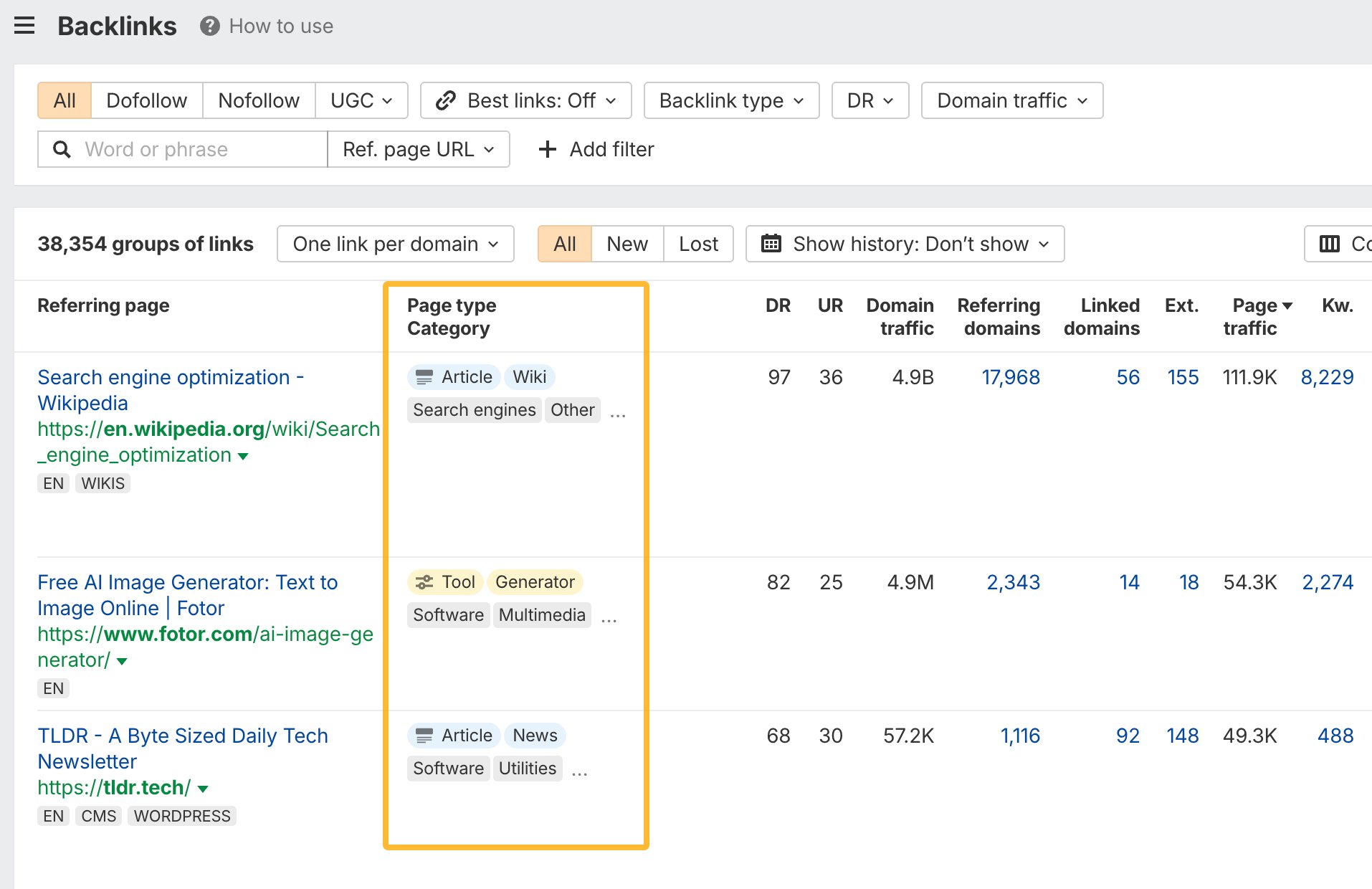
The new page type and category fields are now available in exports, via the API, and through MCP. This makes them usable in automated reporting, integrations, and custom workflows outside the UI.
Organic keywords language support
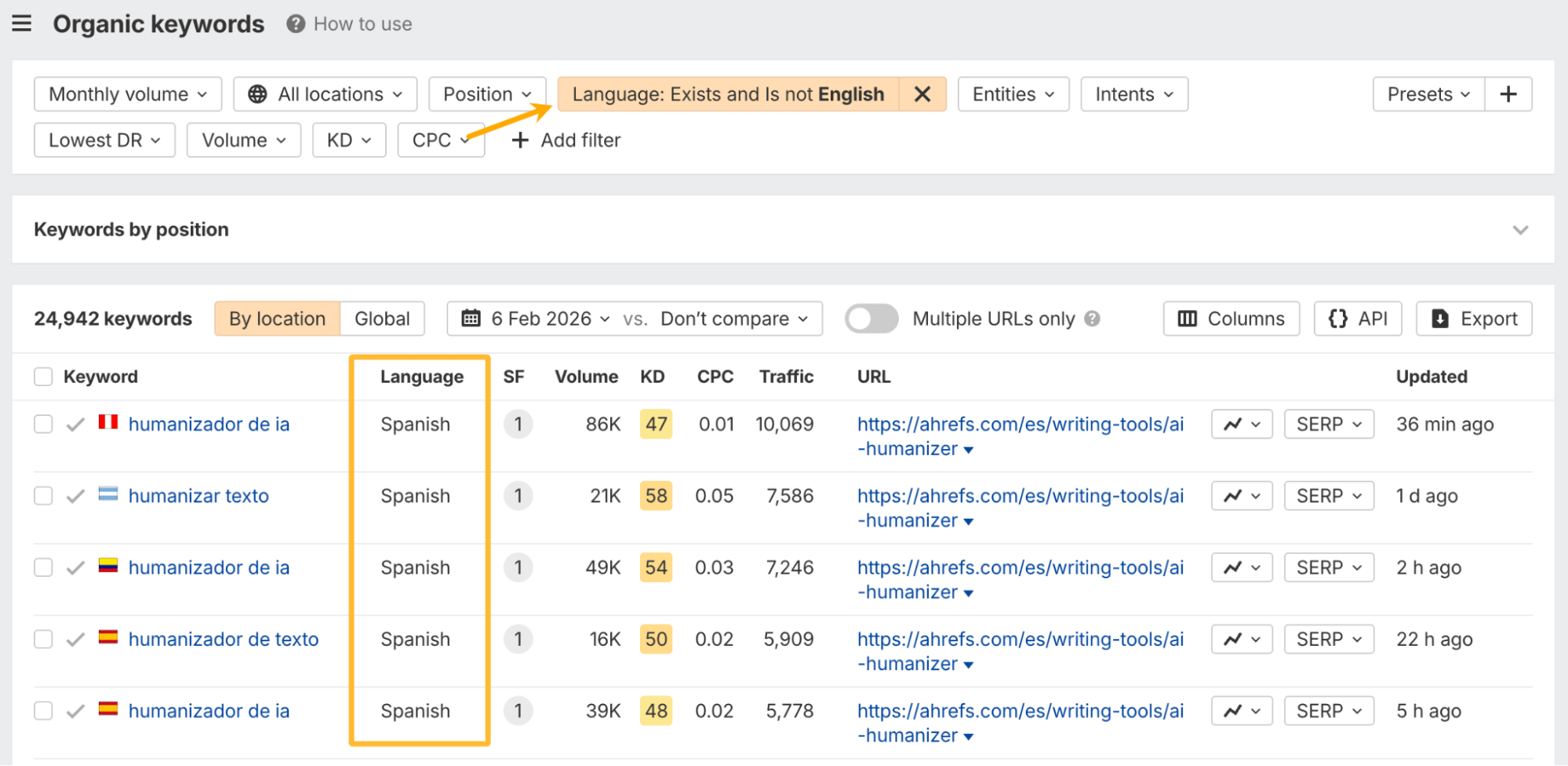
Organic keywords reports now include keyword language data. The Language filter also supports Exists and Doesn’t exist conditions, making it easier to analyze international visibility while excluding unclassified keywords.
Crawled pages chart update
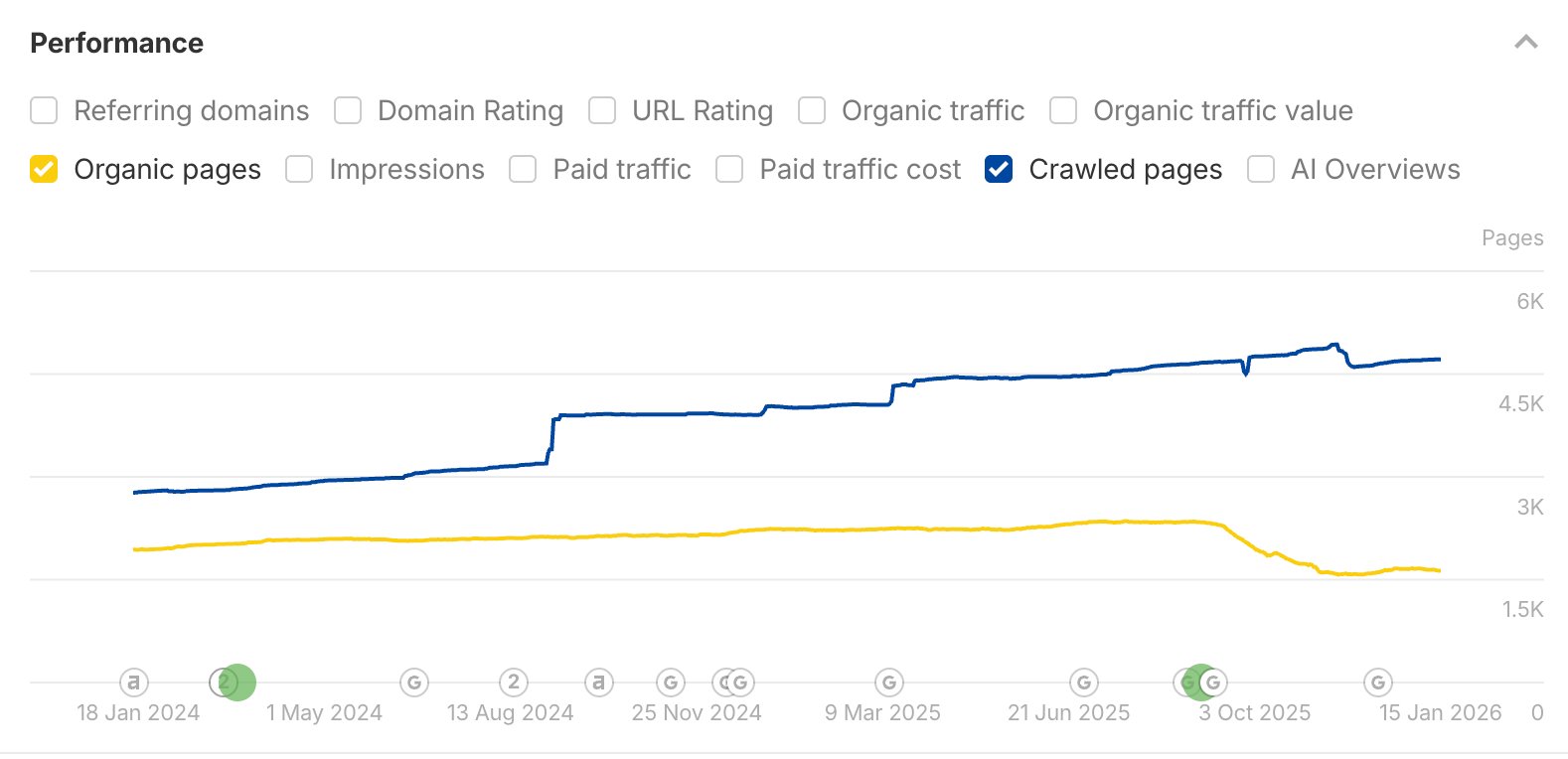
The Crawled pages chart in Overview now shows only real, known 200 OK pages instead of all discovered URLs. This makes trends over time reflect actual content growth or loss, rather than redirects or errors.
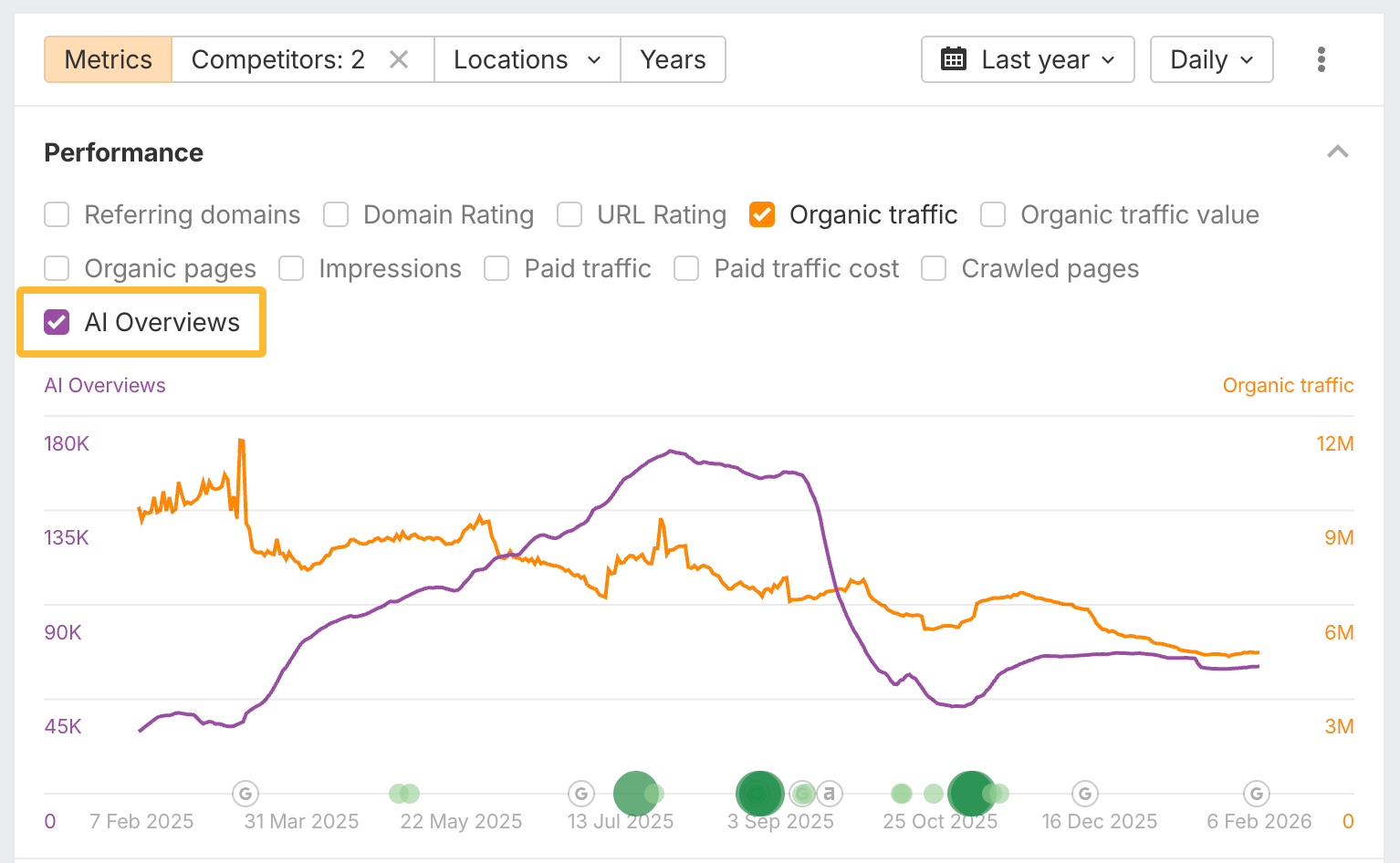
AI Overviews history in Overview
AI Overviews history is now shown directly in the General view of Site Explorer Overview. This lets you track AI visibility alongside other core performance metrics in one place.
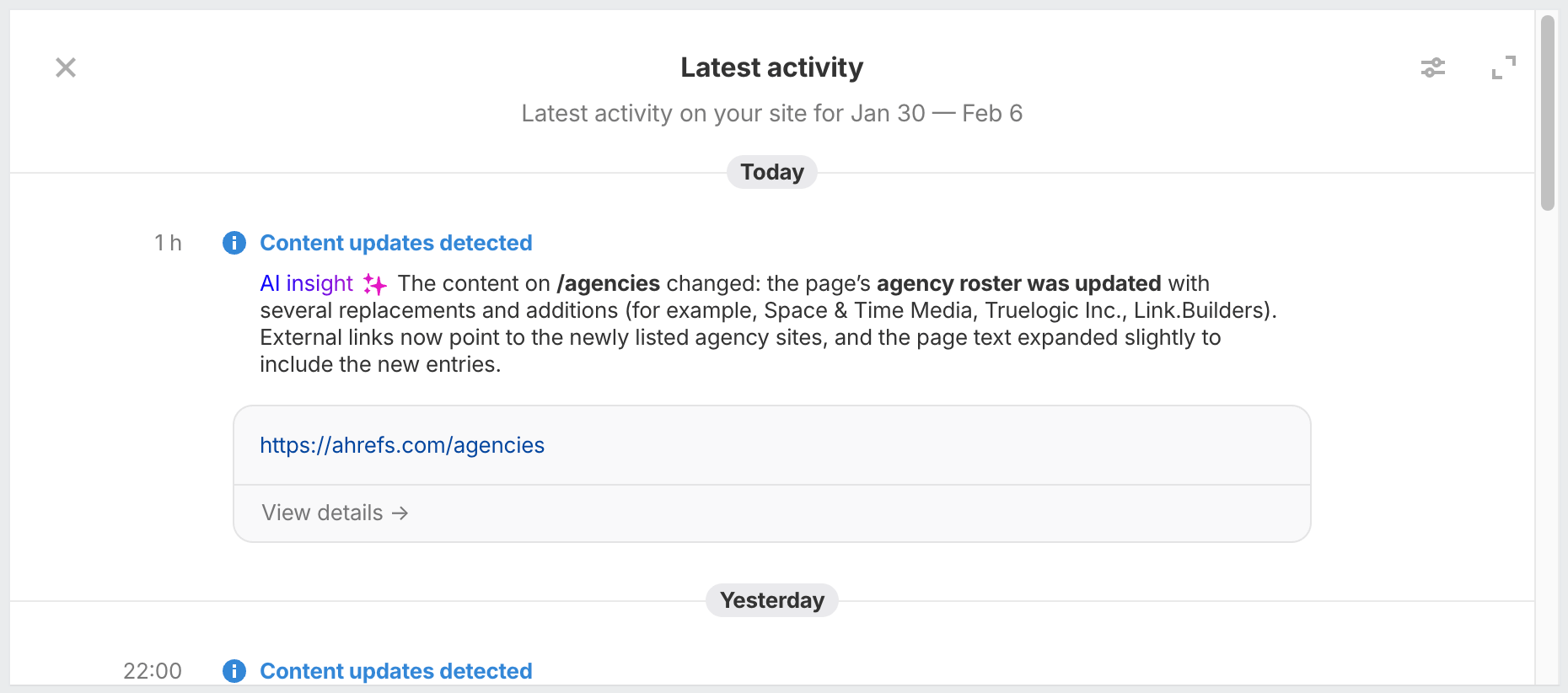
Latest activity feed for Always-on Audits
Always-on Audits now include a real-time activity feed showing errors, fixes, and notable changes as they happen. Each event comes with a short AI insight explaining why it matters, helping critical issues surface faster.
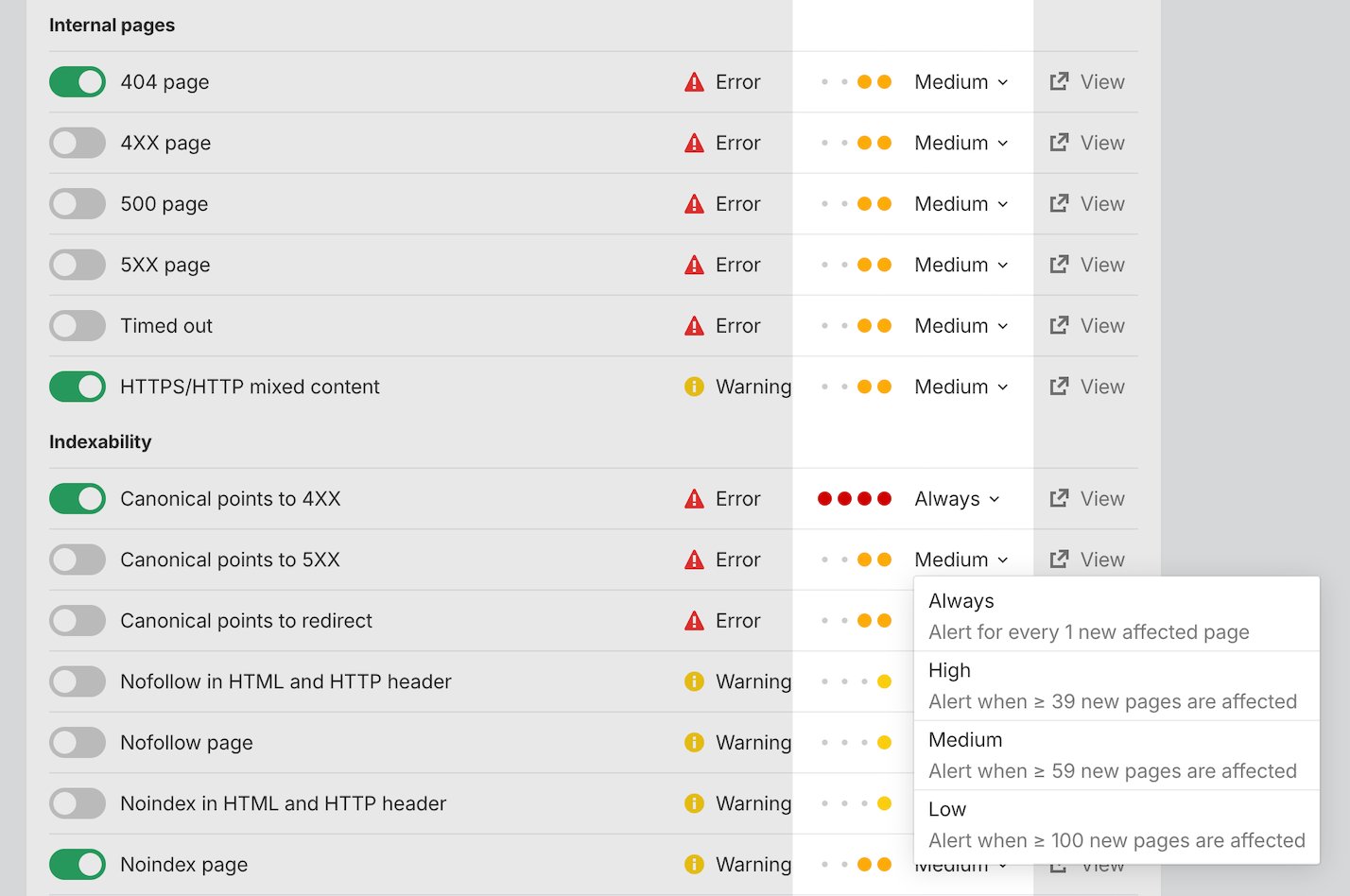
Alert sensitivity settings
Alert sensitivity is now configurable per issue. You can control when alerts fire based on issue severity and site size, reducing noise while still catching serious spikes.
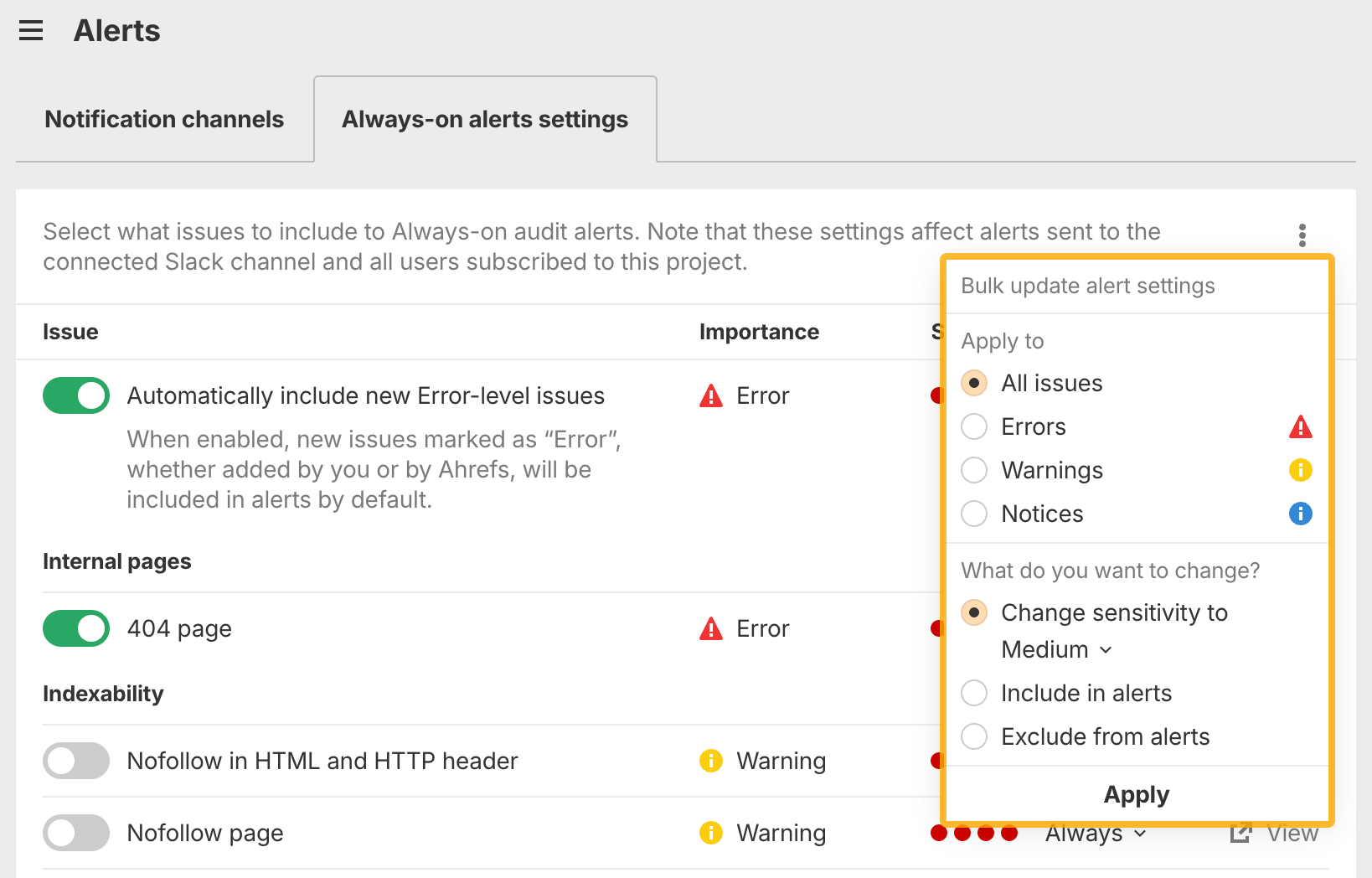
Bulk actions for AOA alerts
You can now include or exclude multiple Always-on Audit issues and change their sensitivity in bulk. This makes configuring alerts across large projects far more manageable.
Bulk AI detection on Pro
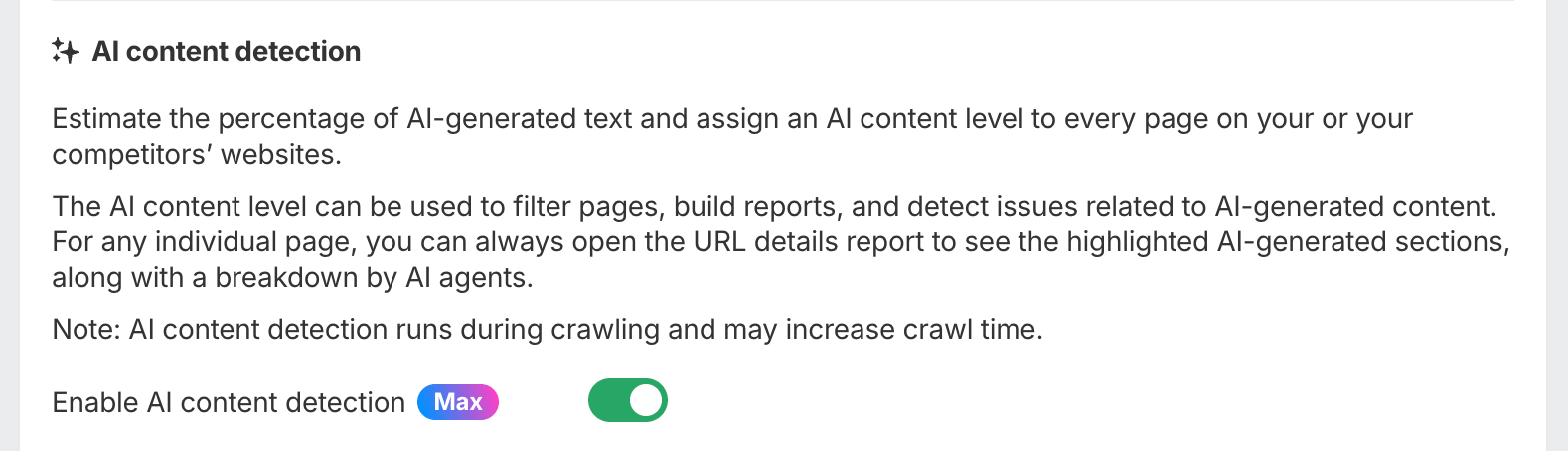
Bulk AI detection is now available on Pro projects, capped at 1,000 pages per crawl. Pages with high AI content are flagged directly in Site Audit, making large-scale reviews easier without upgrading to Max.
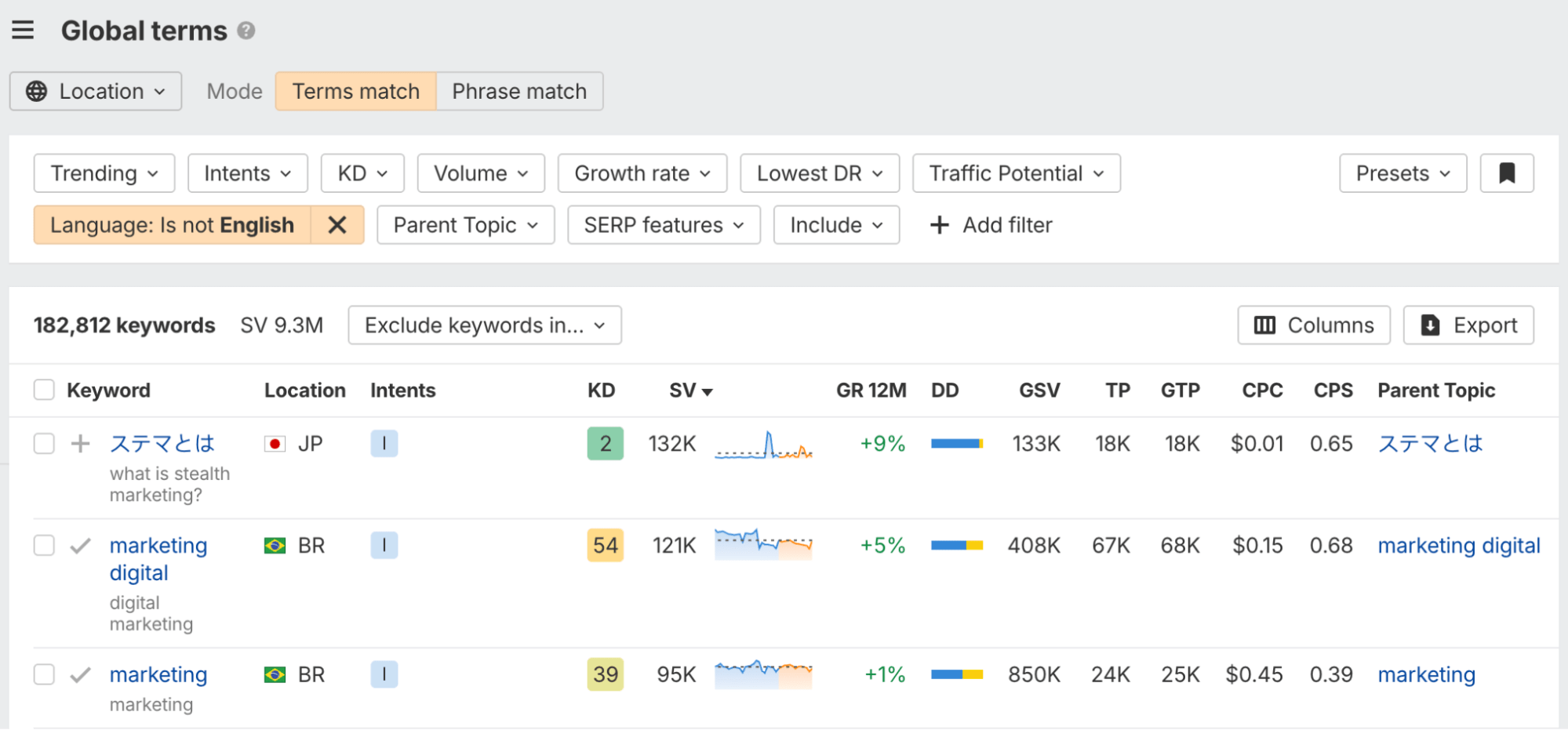
Global terms
You can now research keywords globally instead of being limited to a single country or language. Global terms help uncover worldwide demand and spot multilingual opportunities that local datasets often miss.
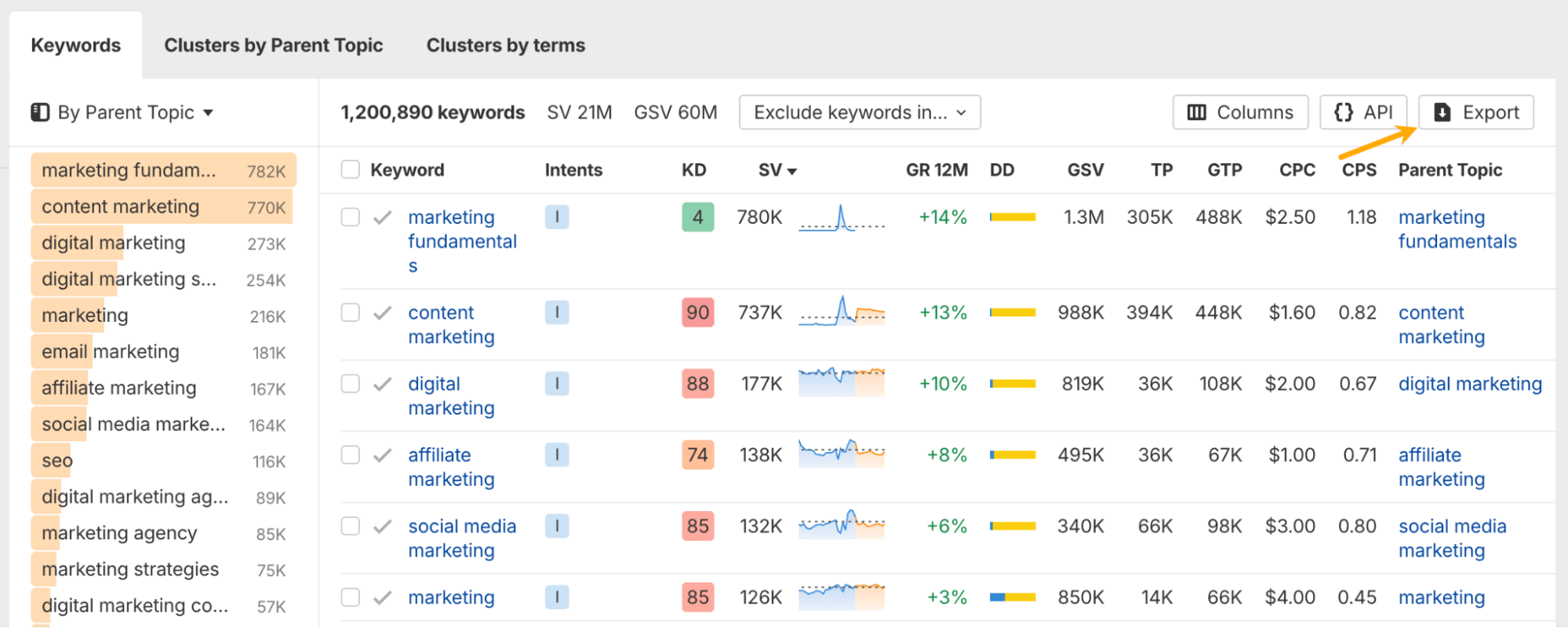
Search volume trend data in exports
Keyword exports now include granular historical and forecasted search volume trend data. This makes it easier to analyze demand changes at scale or share trend insights without rebuilding charts manually.
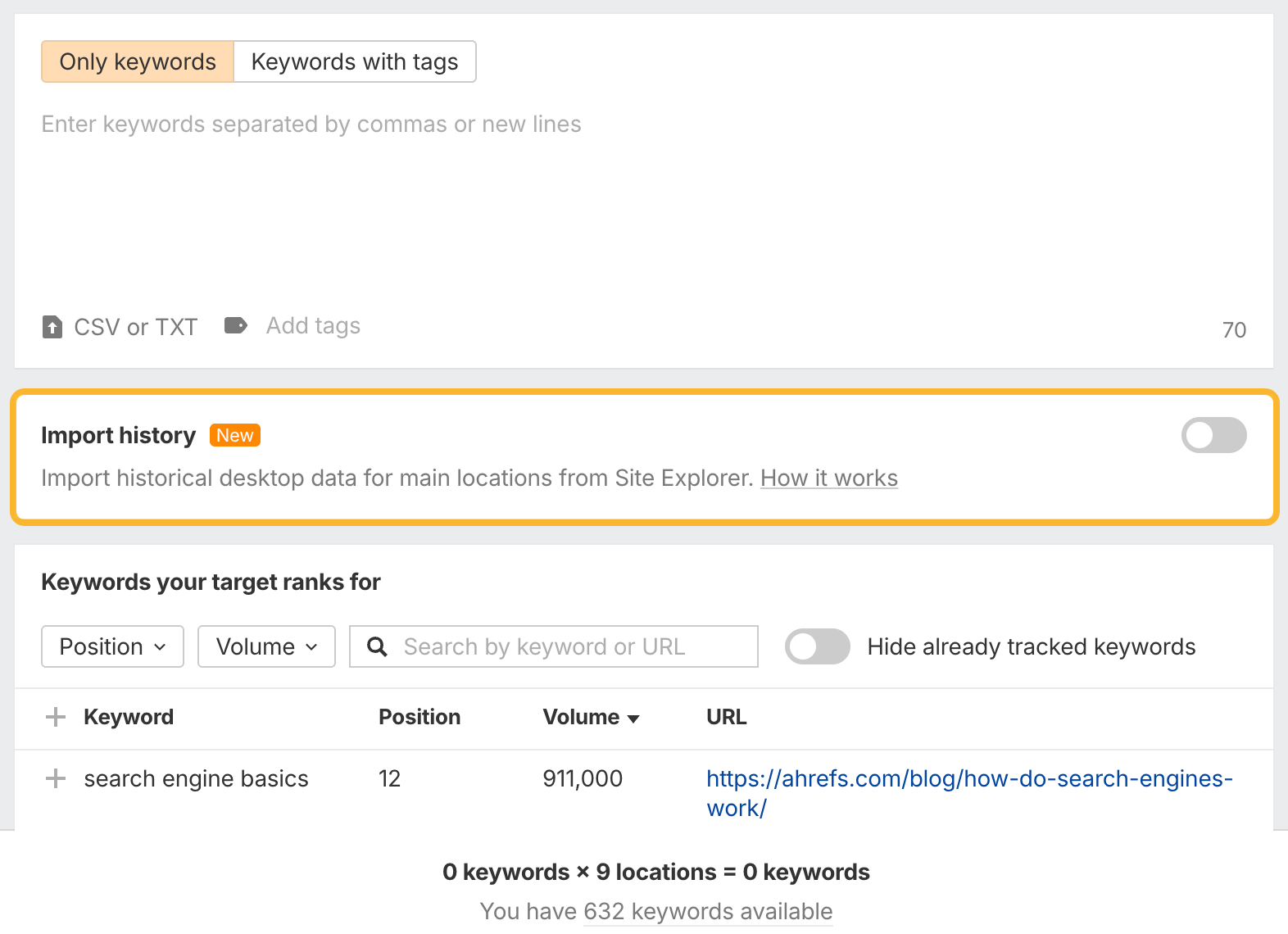
Import history from Site Explorer in Rank Tracker
You can now import historical keyword data from Site Explorer into Rank Tracker, either when adding keywords to a project or via a bulk action in reports. This instantly backfills historical data, so you don’t need to wait months to see trends.
For example, newly added keywords can immediately show multi-year performance history if data is available.
Bulk edit target URLs in Rank Tracker
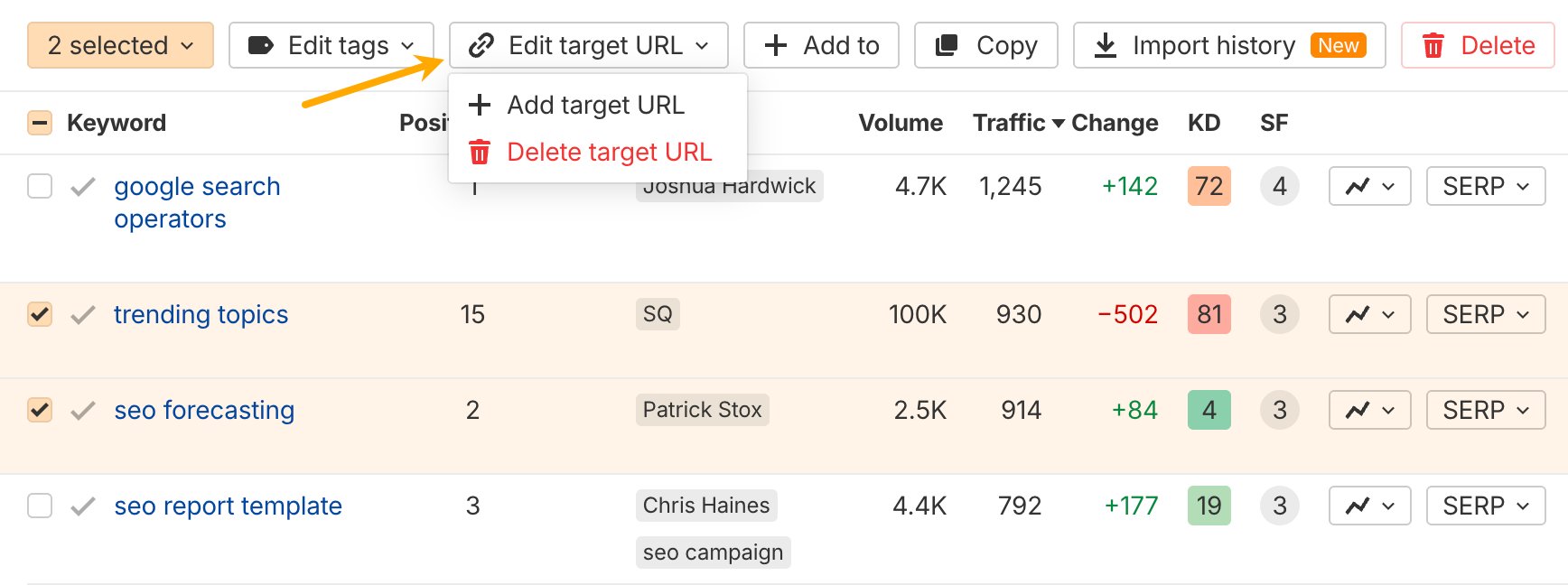
Target URLs can now be assigned or removed in bulk. This makes managing large keyword sets faster and reduces manual errors in complex projects.
Social Media Manager updates
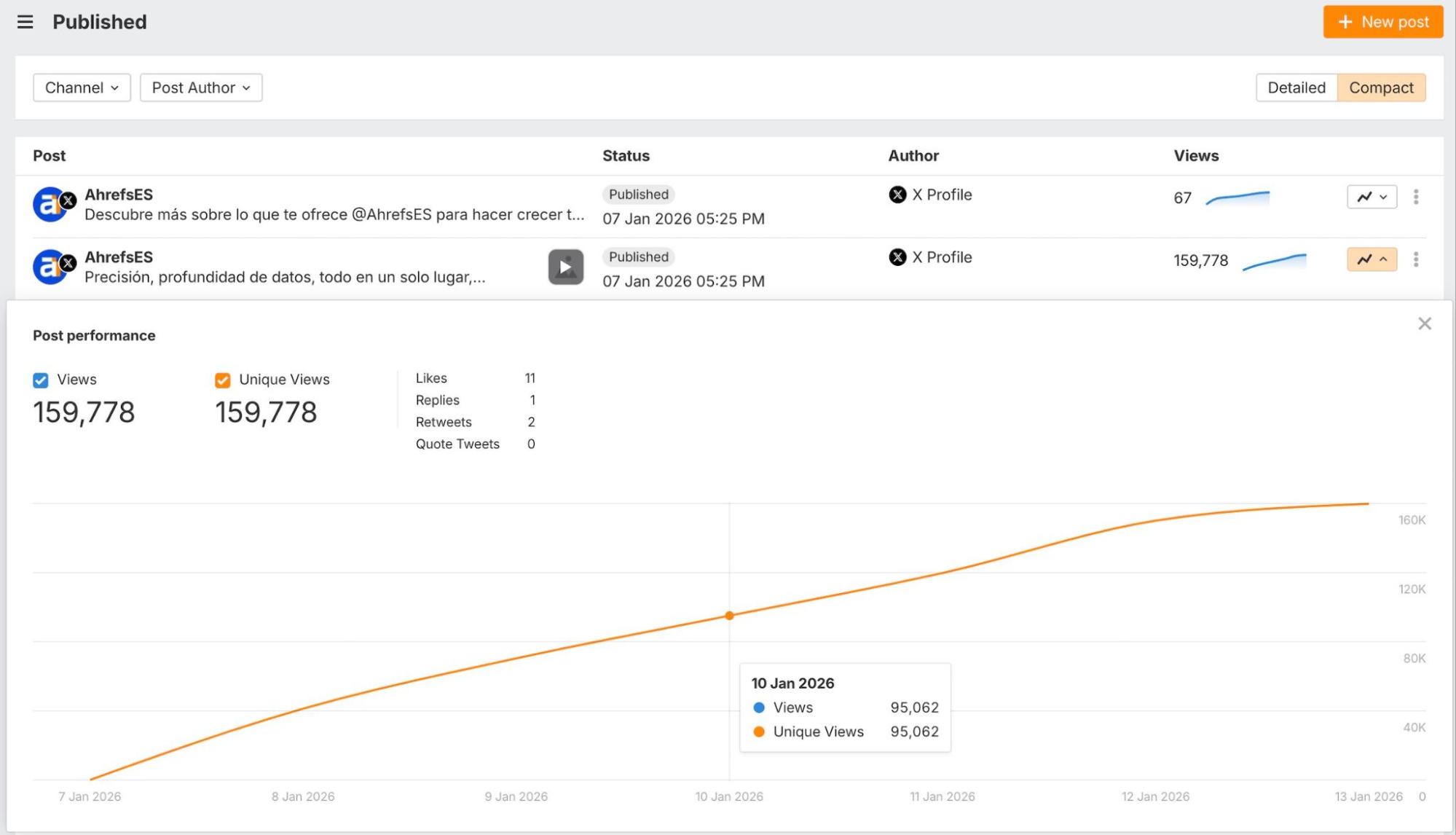
You can now upload custom thumbnails for LinkedIn video posts, publish a first comment together with your post, view timed engagement charts for published posts, and attach multiple images or videos to a single post across multiple channels.
GBP verification status monitoring
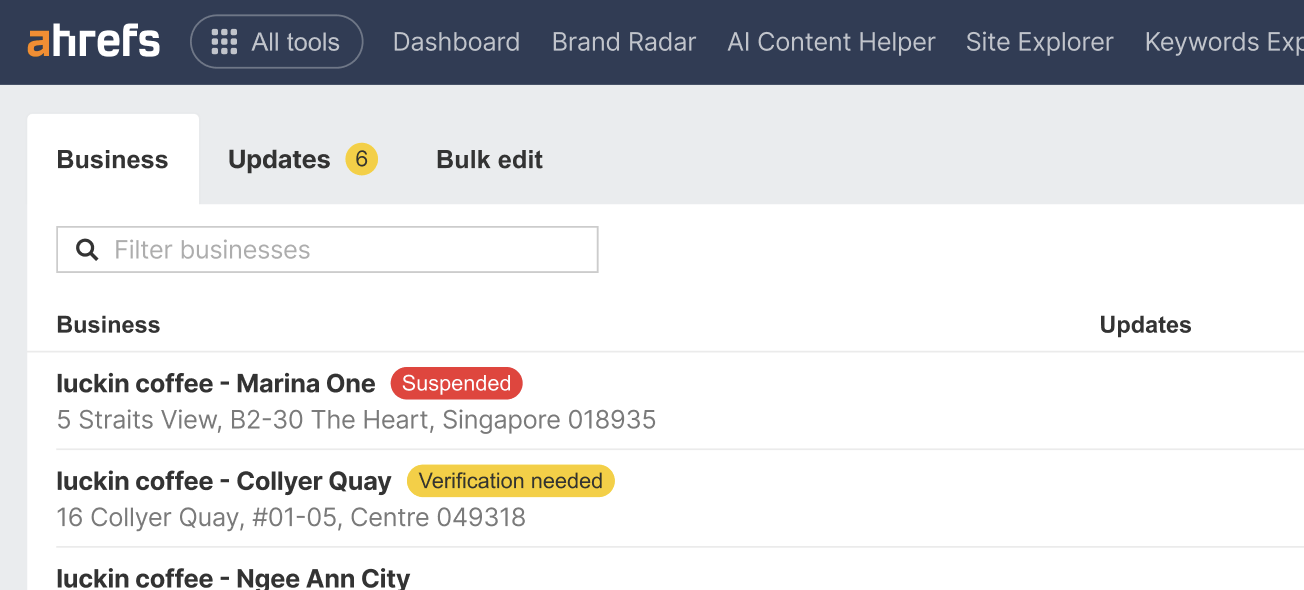
GBP Monitor now reports verification status for each business, helping you catch time-sensitive verification requests before listings become outdated or suspended.
MCP access controls
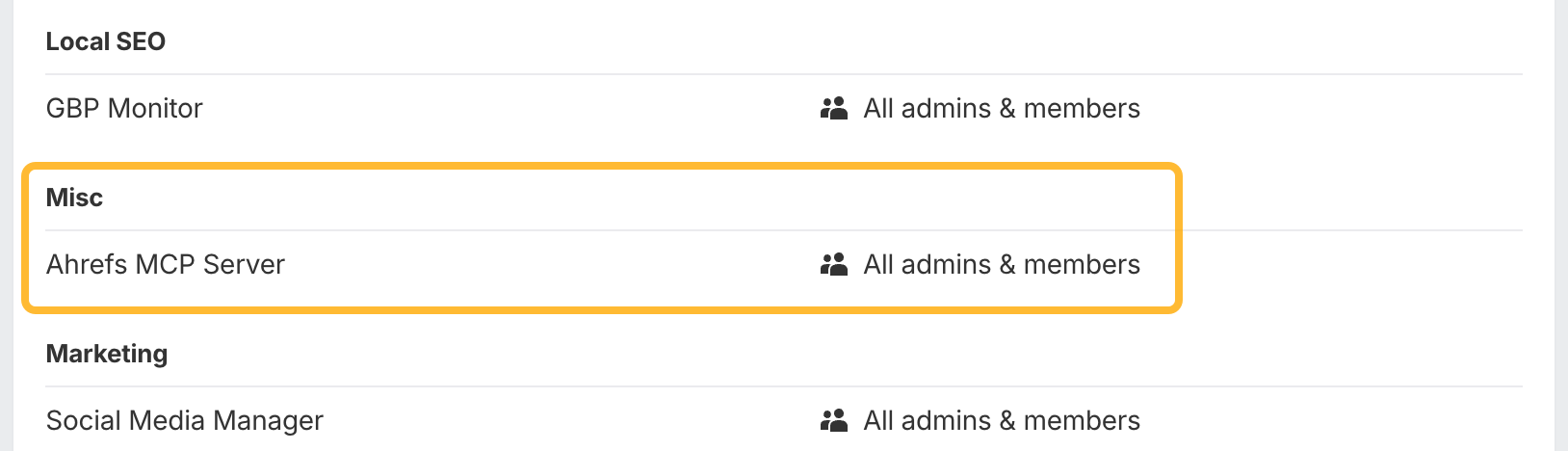
Enterprise plan admins can now control which users are allowed to use Ahrefs MCP, helping teams manage access safely. More granular controls are coming next.
-
That’s it for January! If you have feedback or feature requests, you can leave them on our Canny. See you in the next update.